


WordPress quiz plugins are no longer just for fun quizzes. In 2026, they serve a clear purpose. They help keep people on your site longer. They push users to click, answer, and engage. And that matters more than design trends or flashy layouts.
Most WordPress sites struggle with the same problem. Visitors land, scroll a bit, then leave. An interactive quiz changes that behavior. It gives users something to do, not just something to read. And when people interact, they stay.
Not all plugins are equal, though. Some focus on simple questions. Others work as a full WordPress quiz builder with logic, scoring, and user tracking. A few, like myCred, go a step further and connect quizzes with points, rewards, and user actions.
This guide covers the best WordPress quiz plugins for 2026. Free and paid. This will help you choose a WordPress interactive quiz plugin that actually fits your business goals.
Top WordPress Quiz Plugins at a Glance
Before going deep into individual reviews, this table helps to see how the leading WordPress quiz plugins compare side by side.
| Plugin | Best for | Quiz Types | WordPress Quiz Builder | Engagement Features | Free Version | Pricing Starts |
|---|---|---|---|---|---|---|
| Quiz and Survey Master (QSM) | Flexible quizzes & surveys | Tests, surveys, conditional | Form-style | Detailed logic, results | Yes | Free + Add-ons |
| WB Polls | Community voting | Multi-format polls | Visual + shortcode | Live polls, guest voting | No | Paid |
| JetFormBuilder | Form-based quizzes | Scored, conditional | Block editor | Conditional logic | Yes | Free |
| Thrive Quiz Builder | Marketing funnels | Personality, scored | Drag and drop | Segmentation, tagging | No | Paid |
| WP Quiz | Viral content | Trivia, personality | Simple UI | Social sharing | Yes | Free |
| ARI Stream Quiz | Lead generation | Personality, outcomes | Visual builder | Email capture | Yes | Paid |
| Forminator | Simple quizzes & polls | Basic quizzes | Drag and drop | Polls, forms | Yes | Free |
| WPForms | Lead-focused quizzes | Scored quizzes | Drag and drop | Lead capture | Yes | Paid |
| LearnDash | LMS quizzes | Exams, tests | LMS-based | Progress tracking | No | Paid |
| H5P | Interactive rich media | Interactive content | Block-based | Interactive formats | Yes | Free |
| myCred | Rewards & gamification | Scored + actions | Hook-based | Points, badges | Yes | Free |
Detailed Review of Top WordPress Quiz Plugins for 2026
This section breaks down each quiz plugin for WordPress using the same structure. No hype. Just what works, what doesn’t, and who should use it.
Quiz and Survey Master (QSM)
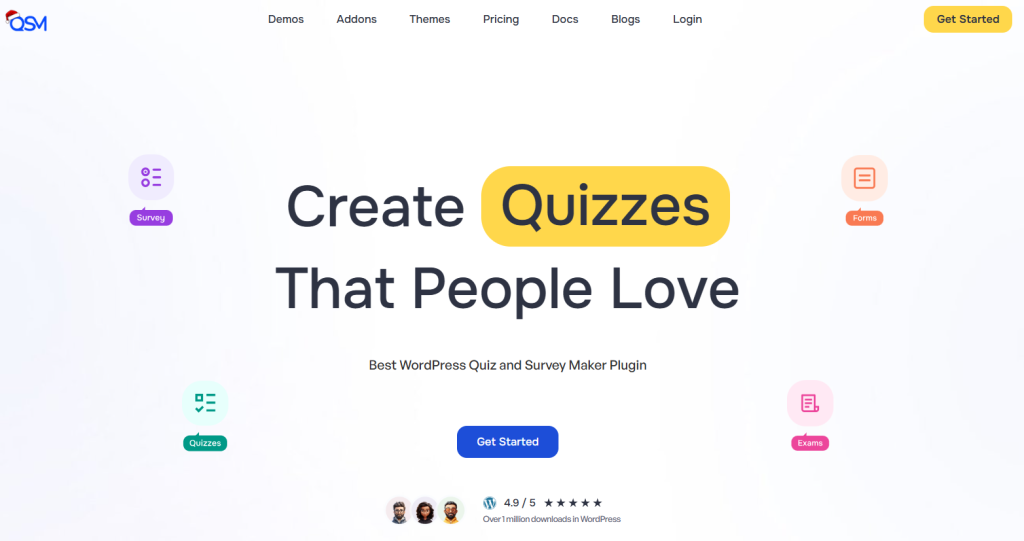
Best for: Flexible quizzes, surveys, and tests
Quiz and Survey Master is a popular WordPress quiz plugin that lets you create quizzes, surveys, exams, and forms. It supports many question types and keeps users engaged without coding. You can build simple quizzes or complex exams with logic and timing.
Key Features
- 18+ question types (multiple choice, drop-down, text, file upload).
- Multipage quizzes and progress indicators.
- Customizable results page and messages.
- Email results, conditional redirect, and logic add-ons.
- Integrations with email tools, CSV export, and more.
Ease of Use
QSM’s interface is simple. You install, set questions, create custom results, and publish. It’s not the flashiest but it’s clear. You don’t need technical skills to create quizzes.
Engagement Strength
This interactive quiz WordPress plugin supports random questions, timers, and personalized result pages that keep visitors involved.
Pricing
- Free version with core features and question types.
- Premium add-ons for advanced logic, leaderboards, analytics, certificates, and email integrations.
Pros
- Flexible quiz types.
- Detailed customization options.
- Big addon ecosystem.
Cons
- The interface is basic.
- Some advanced features require paid add-ons.
Verdict
Quiz and Survey Master is a solid WordPress quiz plugin for engagement and flexibility. It’s especially good if you want quizzes and surveys that adapt to user responses without complex tools.
WB Polls

Best for: Community engagement, voting, and interactive feedback
WB Polls by is a powerful WordPress voting plugin that offers two complete poll systems in one solution. It works independently on any WordPress site and also integrates seamlessly with BuddyPress and BuddyBoss for community-driven platforms. Whether you run a blog, membership site, LMS, or social network, it helps boost engagement and collect user feedback effortlessly.
Key Features
- Two poll systems in one: Standalone Polls work on any WordPress site as dedicated pages, while Activity Feed Polls integrate directly into BuddyPress and BuddyBoss streams for real-time interaction.
- 5 poll types: Create polls using Text, Image, Video, Audio, or HTML formats to make voting more interactive and visually engaging.
- BuddyPress and BuddyBoss integration: Supports group polls, profile polls, voter avatars, multi-select voting, re-voting, and auto-expiration for community-driven engagement.
- Guest voting: Allows non-logged-in users to participate in polls, making it ideal for public websites and blogs.
- Flexible permissions: Control who can create polls, who can vote, and who can view results with role-based access and approval workflows.
- Embed anywhere: Easily add polls to pages, posts, or sidebars using shortcodes and widgets.
- Developer-friendly REST API: Includes secure endpoints for public, authenticated, and owner-level access with OAuth and application password support.
Ease of Use
WB Polls is easy to set up and use. You can quickly create polls, choose types, and publish them anywhere on your site. The interface is straightforward and works well for both beginners and advanced users.
Engagement Strength
This plugin stands out by combining standalone polling with real-time community interaction. Activity feed polls keep users engaged directly within the platform, increasing participation and time spent on the site.
Pricing
- Personal — $49/year (1 site)
- Professional — $99/year (5 sites)
- Agency — $129/year (Unlimited sites)
Pros
- Works with or without community plugins.
- Multiple poll formats for rich interaction.
- Strong BuddyPress and BuddyBoss integration.
- Guest voting increases participation.
Cons
- Advanced community features require BuddyPress or BuddyBoss.
- Limited free options compared to some basic poll plugins.
Verdict
WB Polls is a versatile WordPress voting plugin that combines flexibility with deep community engagement features. It is a great choice for anyone looking to increase interaction, gather feedback, and make their site more dynamic.
Thrive Quiz Builder

Best for: Marketing and audience segmentation
Thrive Quiz Builder is a WordPress interactive quiz plugin built for marketers. It helps you create quizzes in WordPress that guide users based on their answers. It works well for personality quizzes and lead funnels.
Key Features
- Personality and scored quizzes
- Branching logic based on answers
- Built-in result pages
- Email tool integrations
Ease of Use
The visual builder is clear. You don’t need coding skills. But it takes time to set up complex logic.
Engagement Strength
This WordPress quiz plugin for engagement focuses on user paths. Each answer leads to a different outcome. That keeps users clicking.
Pricing
- No free version
- Paid only, bundled with Thrive Suite
Pros
- Strong logic system
- Good for targeted messaging
Cons
- Not cheap
- Overkill for simple quizzes
Verdict
Use this if quizzes are part of your conversion strategy. Skip it if you only need basic interaction.
WP Quiz

Best for: Viral and lightweight quizzes
WP Quiz is a simple WordPress quiz builder designed for fast setup. It’s often used for trivia and personality quizzes.
Key Features
- Trivia and personality quizzes
- Social sharing buttons
- Simple editor
Ease of Use
Easy to use. You can create quizzes in WordPress within minutes.
Engagement Strength
Social sharing helps. But logic is limited.
Pricing
- Free version available
- Paid version adds features
Pros
- Fast setup
- Lightweight
Cons
- Limited customization
- Basic analytics
Verdict
Best for blogs that want quick interaction without complexity.
ARI Stream Quiz
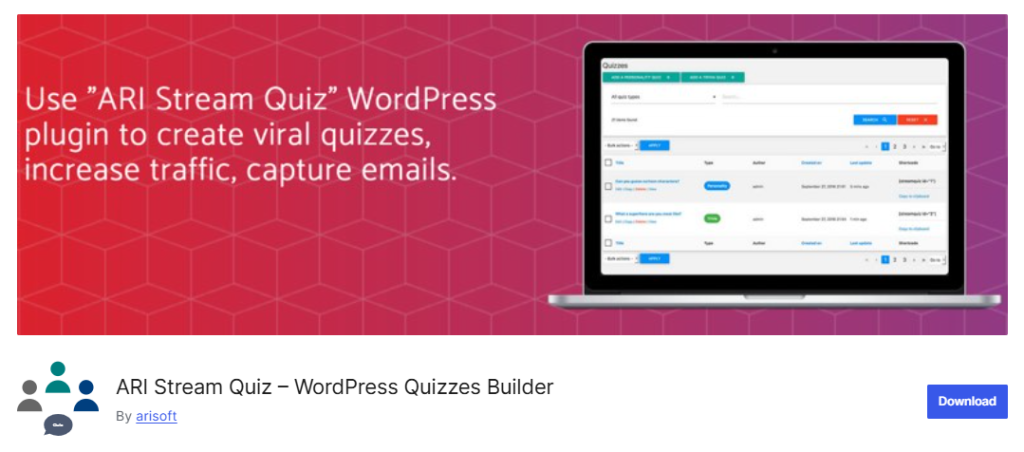
Best for: Lead generation quizzes
ARI Stream Quiz focuses on quizzes that collect emails. It’s an interactive quiz WordPress solution for marketers.
Key Features
- Personality quizzes
- Email capture
- Visual quiz flow
Ease of Use
The builder is visual and clean. Setup is straightforward.
Engagement Strength
Good balance between interaction and lead capture.
Pricing
- Free version available
- Paid plans unlock integrations
Pros
- Lead-focused
- Clean UI
Cons
- Limited design freedom
Verdict
Pick this if email growth is your main goal.
myCred

Best for: Gamified quizzes and rewards
myCred is not a typical WordPress quiz plugin. It becomes one when combined with quiz actions. It rewards users with points for completing quizzes or answering correctly.
Key Features
- Points, badges, and ranks
- Action-based rewards
- Works with quizzes and forms
Ease of Use
Setup takes planning. But the logic is simple once configured.
Engagement Strength
This WordPress quiz plugin for engagement shines. Users return when rewards are involved.
Pricing
- Free core plugin
- Paid add-ons available
Pros
- Strong retention
- Flexible reward system
Cons
- Not a standalone quiz builder
- Needs integration
Verdict
Use myCred if you want quizzes tied to loyalty and repeat visits.
WordPress Quiz Plugins That are Form-Based and LMS
These WordPress quiz plugins are built around forms, courses, and rich interaction. These quiz tools help you create quizzes in WordPress for learning, feedback, and structured user flow.
JetFormBuilder
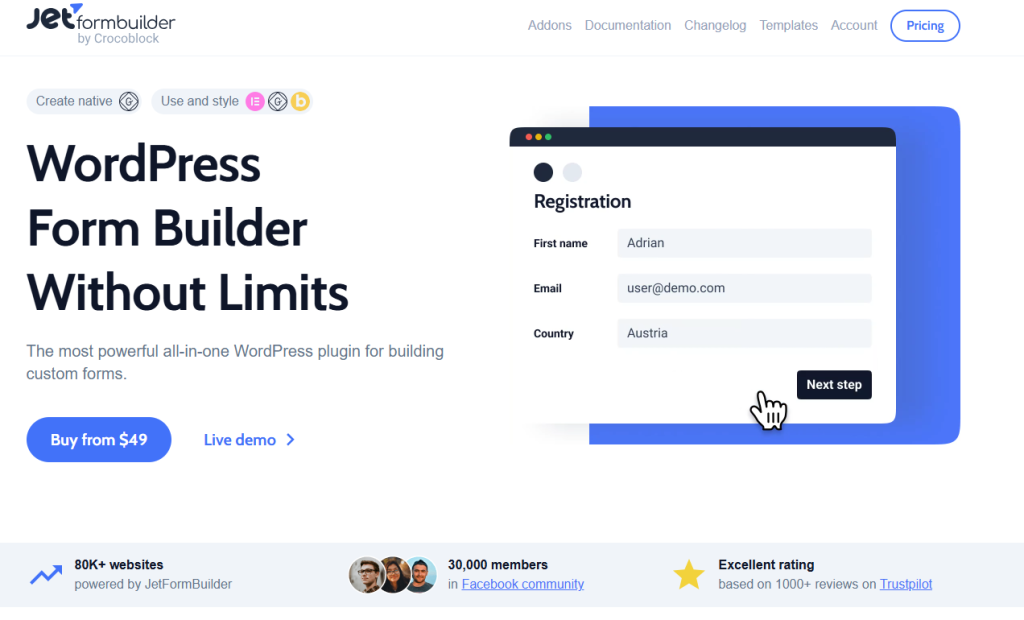
Best for: Form-based quizzes inside WordPress blocks
JetFormBuilder is a form-driven WordPress quiz builder. It works inside the block editor and suits sites already using Gutenberg.
Key Features
- Conditional logic
- Calculated fields
- Multi-step forms
- Block editor support
Ease of Use
Clean and structured. Best for users comfortable with form logic.
Engagement Strength
Good for interactive quizzes that guide users through steps.
Pricing
- Free core plugin
- Paid add-ons available
Pros
- Native block support
- Strong logic control
Cons
- Not built only for quizzes
- Setup takes time
Verdict
Solid choice if you want a quiz plugin for WordPress that works like a form.
Forminator
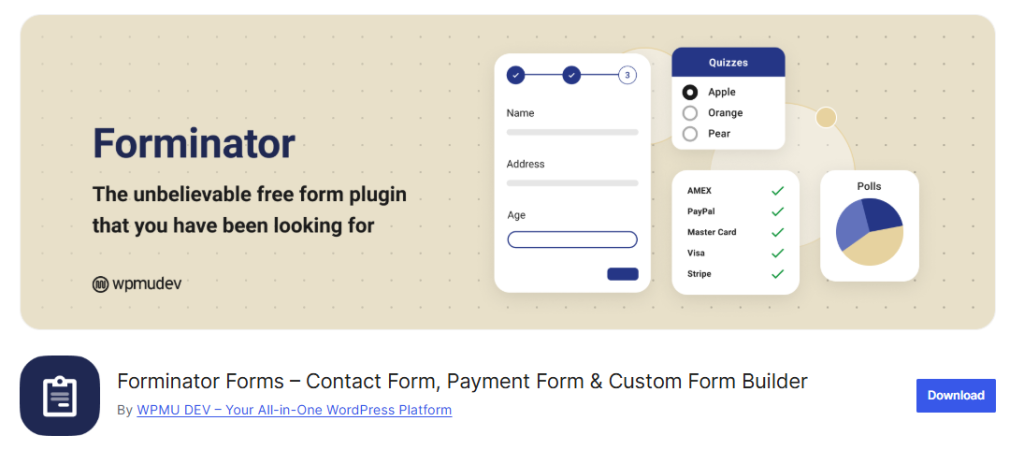
Best for: Simple quizzes and polls
Forminator is a general form plugin with quiz features. It allows you to create quizzes in WordPress without extra tools.
Key Features
- Knowledge quizzes
- Polls and forms
- Basic results
Ease of Use
Beginner-friendly. Everything is drag and drop.
Engagement Strength
Decent for basic interaction. Limited logic.
Pricing
- Free version available
- Pro version adds integrations
Pros
- Easy setup
- Free core features
Cons
- Limited quiz depth
- Basic analytics
Verdict
Good for small sites that need a simple WordPress interactive quiz plugin.
WPForms
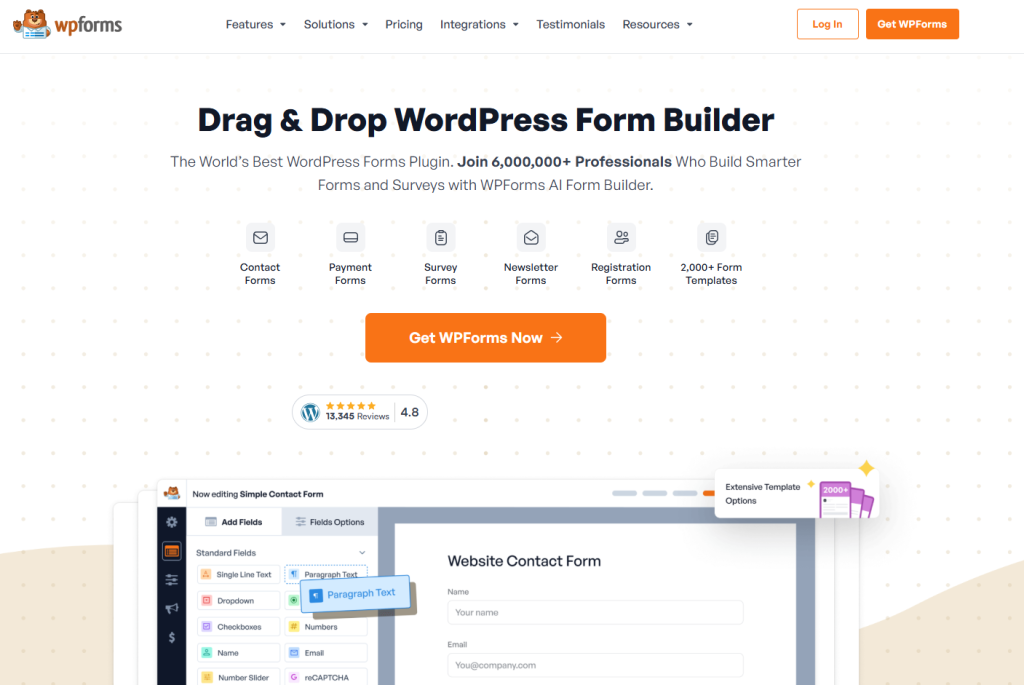
Best for: Lead-focused quizzes
WPForms is a form builder with quiz add-ons. It’s often used as a quiz plugin for WordPress where lead capture matters.
Key Features
- Scored quizzes
- Conditional logic
- Form and quiz mix
Ease of Use
Very easy. Ideal for non-technical users.
Engagement Strength
Good for short quizzes tied to forms.
Pricing
- Free version available
- Quiz features require paid plan
Pros
- Smooth UX
- Reliable support
Cons
- Not quiz-first
- Paid plans add up
Verdict
Choose this if quizzes support your forms, not the other way around.
LearnDash

Best for: Courses and assessments
LearnDash is an LMS, not a pure quiz plugin. But its quiz tools are strong for structured learning.
Key Features
- Timed quizzes
- Certificates
- Progress tracking
Ease of Use
Setup is complex. But powerful once configured.
Engagement Strength
High for education. Low for casual interaction.
Pricing
- Paid only
Pros
- Deep quiz control
- LMS integration
Cons
- Heavy
- Not suited for blogs
Verdict
Use LearnDash if quizzes are part of your courses.
H5P

Best for: Rich interactive content
H5P lets you create interactive quiz WordPress content with video, images, and logic.
Key Features
- Interactive videos
- Drag-and-drop quizzes
- Rich media support
Ease of Use
Moderate learning curve.
Engagement Strength
Very strong when used well.
Pricing
- Free and open source
- Paid plans integrations
Pros
- Highly interactive
- Flexible formats
Cons
- Can affect performance
- Needs setup care
Verdict
Good for educators and content-heavy sites.
What is The Difference Between Free vs Paid WordPress Quiz Plugins
Most WordPress quiz plugins come with a free version. That sounds good. But free usually means limits.
The question is not free or paid. It’s whether the plugin helps you reach a result.
Here’s a clear breakdown.
What Free WordPress Quiz Plugins Are Good For
- Basic quizzes and trivia
- Simple engagement
- Testing ideas before committing
You can create quizzes in WordPress with free tools like WP Quiz, Forminator, or Quiz and Survey Master. For small blogs, that may be enough.
Where Free Plugins Fall Short
- Limited quiz types
- No advanced logic
- Weak analytics
- No integrations
If your goal is real engagement, free tools hit a wall fast.
What Paid WordPress Quiz Plugins Add
Paid plugins focus on outcomes. Not just questions.
| Feature | Free Plugins | Paid Plugins |
|---|---|---|
| Conditional logic | Limited or none | Yes |
| Personality quizzes | Basic | Advanced |
| Lead capture | Rare | Built-in |
| Analytics | Minimal | Detailed |
| Integrations | No | Yes |
| Support | Community | Direct |
A paid WordPress interactive quiz plugin gives you control. Tools like Thrive Quiz Builder or ARI Stream Quiz help you guide users, not just entertain them.
Where myCred Fits as a WordPress Quiz Plugin
myCred is different. The free version already adds value. You can reward users for quiz actions. Paid add-ons unlock deeper control. That makes it a strong option if retention matters.
Bottom Line
- If quizzes are a side feature, free quiz plugins work.
- If quizzes drive engagement, leads, or sales, paid quiz plugins make sense.
Common Mistakes When Using WordPress Quiz Plugins
Overloading pages with heavy scripts
Some WordPress quiz plugins load extra assets on every page. That slows things down. Use one plugin. Disable unused features. Test page speed.
Poor question design
Long questions confuse users. So do vague answers. If users don’t understand the question, they quit. Keep questions short. Make answers clear.
No clear result or CTA
An interactive quiz WordPress setup needs an end goal. A result. A recommendation. Or a next step. Without it, the quiz feels pointless.
Ignoring mobile users
Most quizzes are taken on phones. If your WordPress quiz builder looks bad on mobile, engagement drops fast. Always test on small screens.
Final Verdict on Best WordPress Quiz Plugins 2026
There is no universal best option. The right choice depends on what you want users to do.
What matters most:
- Performance. The quiz should not slow down your site.
- Flexibility. You should control logic, results, and display.
- Integrations. Email, forms, or rewards if needed.
Quick recommendations
- Best for engagement and funnels: Thrive Quiz Builder
- Best free option: WP Quiz or Forminator
- Best for learning and tests: LearnDash or Quiz and Survey Master
- Best for loyalty points and rewards: myCred
- Best form-based quiz plugin for WordPress: JetFormBuilder
- Best for community voting and feedback: WB Polls
Choose a WordPress quiz plugin that supports your goal. Not one with the longest feature list.