


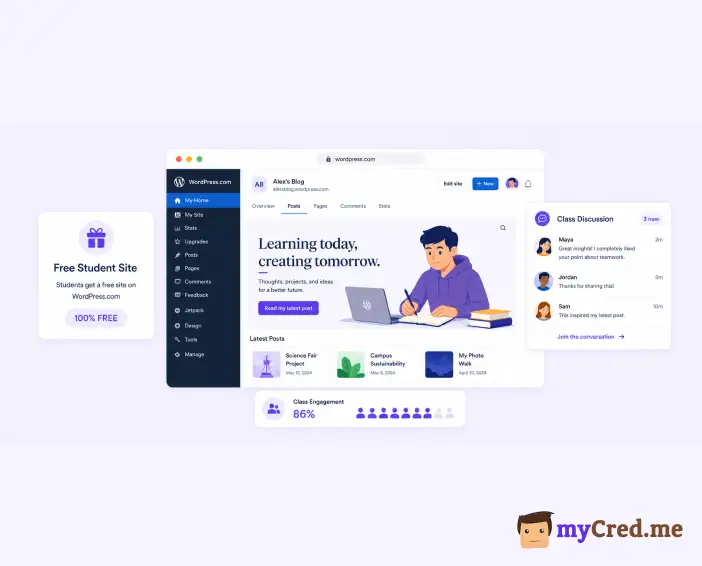
At WordCamp US 2026, WordPress announced something useful for teachers. The new WordPress.com Education Program lets a teacher give every student a professional WordPress site. Each site comes with plugins, themes, a free domain, and hosting that renews every year the student stays enrolled.
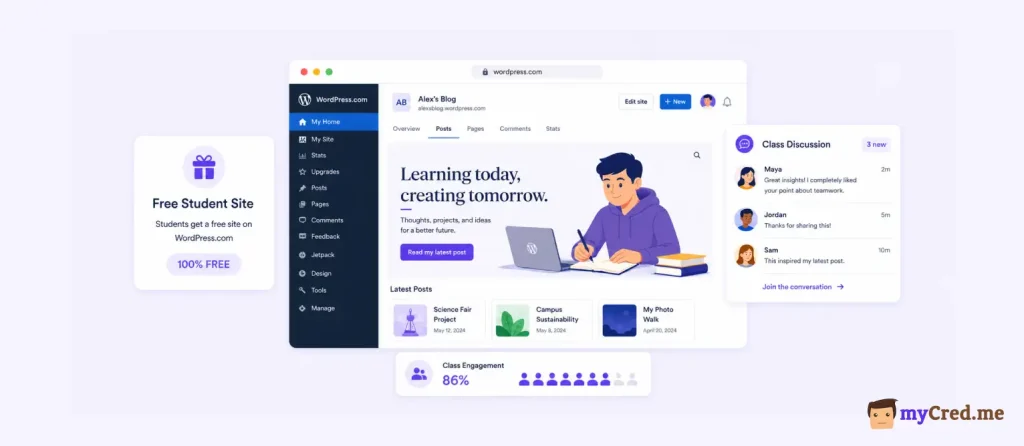
That removes the cost problem. No hosting fees. No domain fees. A real site, not a demo.
But there’s a second problem the announcement didn’t cover. A free site doesn’t keep a student engaged.
Ask anyone who has run an online course. Completion rates are low. Often under 15%.
Students sign up, do a lesson or two, then drift away. The site being free doesn’t change that.
So this blog post answers two things. First, the questions people are asking about the Education Program. Second, how to keep students engaged once they have their site using points, badges, and rewards with myCred, which works with Tutor LMS and LifterLMS.
What Is the WordPress.com Education Program?

It’s an e-learning program for teachers. A teacher signs up and can give every student in their class a WordPress site.
Here’s what each site includes:
- A free custom domain
- Hosting that renews each year the student is enrolled
- Plugin and theme access
- The standard WordPress.com tools for publishing and managing a site
This is a full WordPress site. Not a limited classroom sandbox. Students can keep building on it as they move through school.
Details and sign-up are at wp.com/edu.
Who Can Join the WordPress.com Program?
Teachers and schools.
The teacher provisions the sites for the class. The hosting renews each year as long as the student stays enrolled.
Check wp.com/edu for the exact requirements and the application form.
What Can Students Build on These Education Sites?
Because the sites support plugins, students aren’t stuck with a basic blog. They can build:
- Portfolios for their coursework
- Blogs for writing classes
- Stores for business classes
- Membership or community sites
- Online courses, using an LMS plugin like Tutor LMS or LifterLMS
That last one matters for teachers. With plugin access, you can turn a student site into a working course platform. And once you have courses, you run into the engagement problem.
Why Do Students Drop Out of Online Courses?
A few reasons, and they’re all pretty simple:
- The reward is too far away. The certificate or grade comes at the end. That’s weeks of work with nothing in between.
- Nothing happens after a lesson. A student finishes a lesson and the screen just shows the next one. No feedback. No sense of progress.
- Nobody’s watching. In a classroom, other students notice if you stop showing up. Online, nobody does.
Grades help a bit. But grades are rare and high-stakes. What online courses lack is small, frequent feedback. The kind you get from games or fitness apps.
That’s what gamification adds.
What Is Gamification in e-Learning?
Gamification in e-Learning adds game elements to a course. Points, badges, ranks, leaderboards, and rewards.
The idea is simple. When a student does something, they get something right away.
- Finish a lesson 🡪 earn points
- Pass a quiz with a high score 🡪 earn more points
- Finish a course 🡪 earn a badge
- Collect enough points 🡪 move up a rank or unlock something
Students stop working only for a grade at the end of the term. They earn something every time they sit down to learn.
It works for the same reason step counters and streaks work. Small wins keep people going.
How You Can Add Gamification to a WordPress.com Education Program Site?
Use myCred. It’s a free points plugin for WordPress. You install it, turn on the features you want, and set your point values. No code.
With myCred, you can:
- Award points for learning actions like enrollment, lessons, quizzes, assignments
- Create more than one point type if you want (say, one for coursework, one for participation)
- Add ranks and badges tied to point totals
- Show a leaderboard for the class
- Let students spend points on things like bonus content, certificates, coupons
Because myCred has popular LMS plugin integrations, the points run on their own after setup. A student finishes a lesson; points land in their balance. You don’t touch anything.
How myCred Works with Tutor LMS?
myCred has hooks for Tutor LMS events. You can award or deduct points when a student:
- Enrolls in a course
- Completes a lesson
- Attempts or passes a quiz (you can pay more for higher scores)
- Submits an assignment
- Completes a full course
- Leaves a course review
Each hook has its own settings. You pick the point amount, write the log entry, and set a limit if you want one.
A student who scores 95 on a quiz can earn more than one who scores 60. The reward matches the work.
Setup is short. Install Tutor LMS. Install myCred.
Open myCred’s Hooks panel. Turn on the Tutor LMS hooks. Set your numbers, and you’re done.
What Can Students Do with Their Points on WordPress.com Education Program Site?
Points only motivate students if they’re worth something. myCred gives you a few options:
- Unlock content. Gate bonus lessons behind a point cost.
- Coupons. Points can convert to WooCommerce coupons for course materials, merch, or your paid courses.
- Certificates. Let students spend points to claim their completion certificate.
- Transfers. Students can send points to each other. Useful for team challenges.
- Ranks. Points feed a rank system, so students earn titles as they go.
A teacher can run a small classroom economy with this. Work in, rewards out. No custom code, no extra software.
How Do You Set This Up on a WordPress.com Education Site?
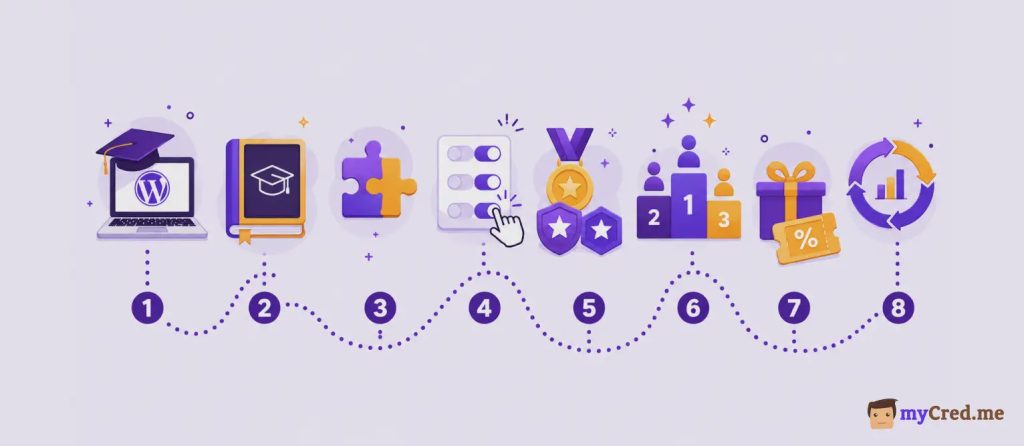
Step by step:
- Apply for the program at wp.com/edu and set up your class sites.
- Install your LMS. Tutor LMS. Build your course: lessons, quizzes, assignments.
- Install myCred from the WordPress plugin directory. It’s free.
- Turn on the LMS hooks. Go to myCred → Hooks. Enable the events you want to reward. Set point values.
- Add ranks and badges. Give students a path to move up.
- Add a leaderboard. Use myCred’s shortcode or widget on a class page.
- Decide what points buy. Bonus content, certificates, coupons. Set that up with the relevant add-on.
- Run it, then adjust. Watch what students respond to. Change point values if something isn’t working.
The cost: hosting and domain are free through the program. myCred’s core plugin is free. You can launch the whole thing at $0.
Tutor LMS vs LifterLMS: Which Works Better with myCred?
Both integrations are solid. Pick based on which LMS you like, not on myCred.
| Tutor LMS | LifterLMS | |
|---|---|---|
| Free course builder | Yes | Yes |
| myCred hooks cover | Enrollment, lessons, quizzes, assignments, completion | Enrollment, lessons, sections, quizzes, assignments, achievements |
| Style | All-in-one, simpler | Modular, more add-on based |
The myCred side works the same either way. You’re toggling hooks and typing in point values. Nothing else changes.
Is WordPress.com Education Program Actually Free?
Yes. The domain is free. Hosting is free and renews each year the student is enrolled. Plugins and themes are included. There’s no cost for the site itself.
Stack free plugins on top like myCred, Tutor LMS, LearnDash and the whole setup costs nothing to start.
Wrap Up
The WordPress.com Education Program fixes the cost problem. Every student gets a real site, free, renewed while they’re enrolled. That’s a good deal, and teachers should use it.
But a free site is just the start. Students still need a reason to log in and do the work.
That’s the part myCred handles. Connect it to Tutor LMS or LifterLMS, set your point values, and students earn something every time they learn. Points, badges, ranks, rewards on top of the site they just got for free.
The free educational site gets them in the door. Points and rewards through myCred keep them coming back.
