



Picking the wrong WordPress payment plugins is the easiest way to put businesses in jeopardy. It brings these bottlenecks. A checkout that hangs for three seconds. A webhook that never fires, so the customer paid but never got the download. A 3% fee you didn’t notice until your first big month.
![18 Best WordPress Payment Plugins in 2026 [Grouped by Use Cases]](https://mycred.me/wp-content/uploads/2026/07/Featured-Banner-18-Best-WordPress-Payment-Plugins-in-2026-1024x446.webp)
This blog covers 18 WordPress payment plugins, grouped by what you’re actually selling: physical products, digital downloads, memberships, donations, or a straight Stripe form with no cart at all.
Free and premium payment plugins for WordPress are here, along with real starting prices.
How We Evaluated These WordPress Payment Plugins
Every payment plugin here got checked against the same six things:
- setup time,
- gateway coverage,
- transaction fees on top of the standard processor rate,
- PCI compliance,
- how the free and paid tiers differ, and
- whether the checkout actually works well on a phone.
One more question, on top of the usual list:
- Does the plugin give you the order data you’d need to reward a repeat customer?
Or
- Does that data just sit there unused?
Most plugins answer no. That gap is why section 5 exists.
Best WordPress Payment Plugins At a Glance
| Plugin | Best for | Gateway(s) | Starting price | Cart or form-only |
|---|---|---|---|---|
| WP Simple Pay | Stripe-only payment forms, no cart | Stripe | $49.50/yr (intro, renews $99) | Form-only |
| WebToffee Stripe Payment Plugin | Free Stripe checkout on WooCommerce | Stripe | Free | Full cart |
| FunnelKit Stripe | WooCommerce checkout conversion | Stripe | Free | Full cart |
| WooCommerce | Physical products, full stores | 100+ via extensions | Free (core) | Full cart |
| WooPayments | Fastest WooCommerce setup | Cards, Apple Pay, Google Pay | Free plugin, 2.9% + $0.30 (US) | Full cart |
| Easy Digital Downloads | Digital products, software licensing | Stripe, PayPal, Apple/Google Pay | $99.50/yr (intro) | Full cart |
| MemberPress | Memberships, courses | Stripe only on entry tier; PayPal, Square on higher tiers | $199.50/yr (intro) + 4.9% fee on entry tier | Full cart |
| WC Vendors | Multi-vendor marketplaces | 100+ via WooCommerce, Stripe Connect for payouts | Pro is $99.50/year (1 site) | Full cart |
| WPForms | Custom payment forms | Stripe, PayPal, Square, Authorize.net | $49.50/yr entry, $199.50/yr for the payments-enabled tier | Form-only |
| Formidable Forms | Calculated, multi-field payment forms | PayPal, Stripe, Authorize.net | $199.50/year | Form-only |
| WPCharitable | Nonprofit donations | Stripe, PayPal, Square (free); 10+ on paid tiers | $69/yr | Form-only |
| Paymattic | Donations with donor email automation | Stripe, PayPal | ~$59.50/yr (first year) | Form-only |
| MyPayKit | Square-first businesses | Square, plus Stripe, PayPal, Google Pay | Free (3% fee), $49.50/yr Pro | Form-only |
| WP EasyPay | Square users wanting brand customization | Square | ~$69/yr | Form-only |
| PayPal Payments for WooCommerce | PayPal-first checkout | PayPal, Venmo | Free plugin, 3.49% + $0.49 per transaction | Full cart |
| Stripe for WooCommerce (official) | WooCommerce stores standardizing on Stripe | Stripe | Free plugin, 2.9% + $0.30 (US) | Full cart |
| NOWPayments | Crypto payments, 300+ coins | 300+ cryptocurrencies | Free plugin, fees from 0.5% | Full cart |
| MyCryptoCheckout | Direct-to-wallet crypto, no processor cut | 100+ cryptocurrencies | Free (5 tx/month), $57/yr unlimited | Form-only |
18 Top WordPress Payment Plugins in 2026
Here are the group-wise WordPress Payment Plugins to consider in 2026:
WordPress Payment Plugins Based on Stripe-First / No-Cart Checkout
WP Simple Pay
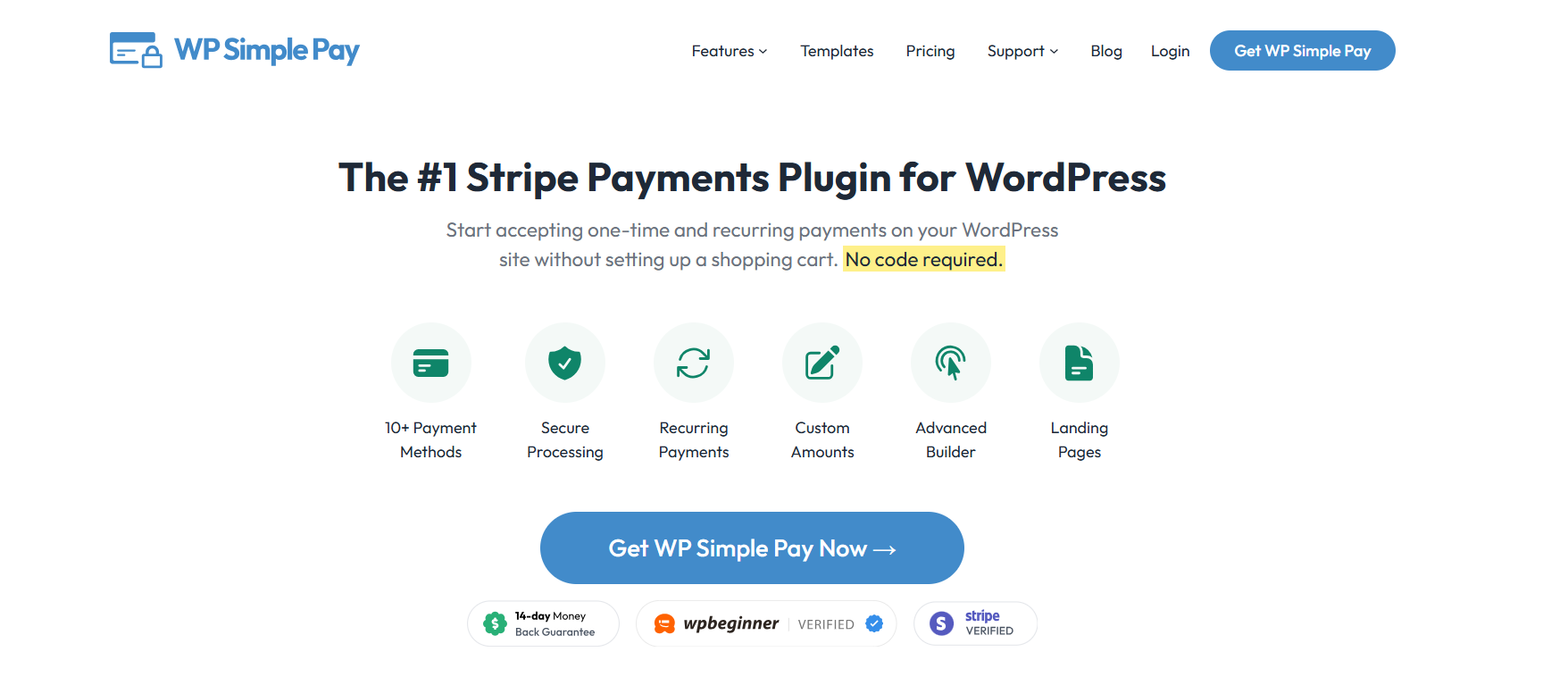
WP Simple Pay is a standalone Stripe plugin. It skips WooCommerce entirely and connects a WordPress site straight to Stripe through a setup wizard, so you’re collecting payments in one sitting, not one afternoon. It doesn’t integrate with WooCommerce, Easy Digital Downloads, or any form builder.
Key features:
- Drag-and-drop form builder with ready-made templates
- 10+ payment methods: cards, Apple Pay, Google Pay, ACH Direct Debit
- One-time and recurring payments, with installment plans on higher tiers
- Klarna, Afterpay, and Affirm on the Professional and Elite plans
Pricing: $49.50/year for Personal (1 site), renews at $99. Plus is $99.50/year, Professional $199.50/year, Elite $299.50/year. Free version carries a 3% fee on top of Stripe’s own rate.
Best for: Consultants, freelancers, and course creators who want a Stripe form without building a store around it.
WebToffee Stripe Payment Plugin for WooCommerce
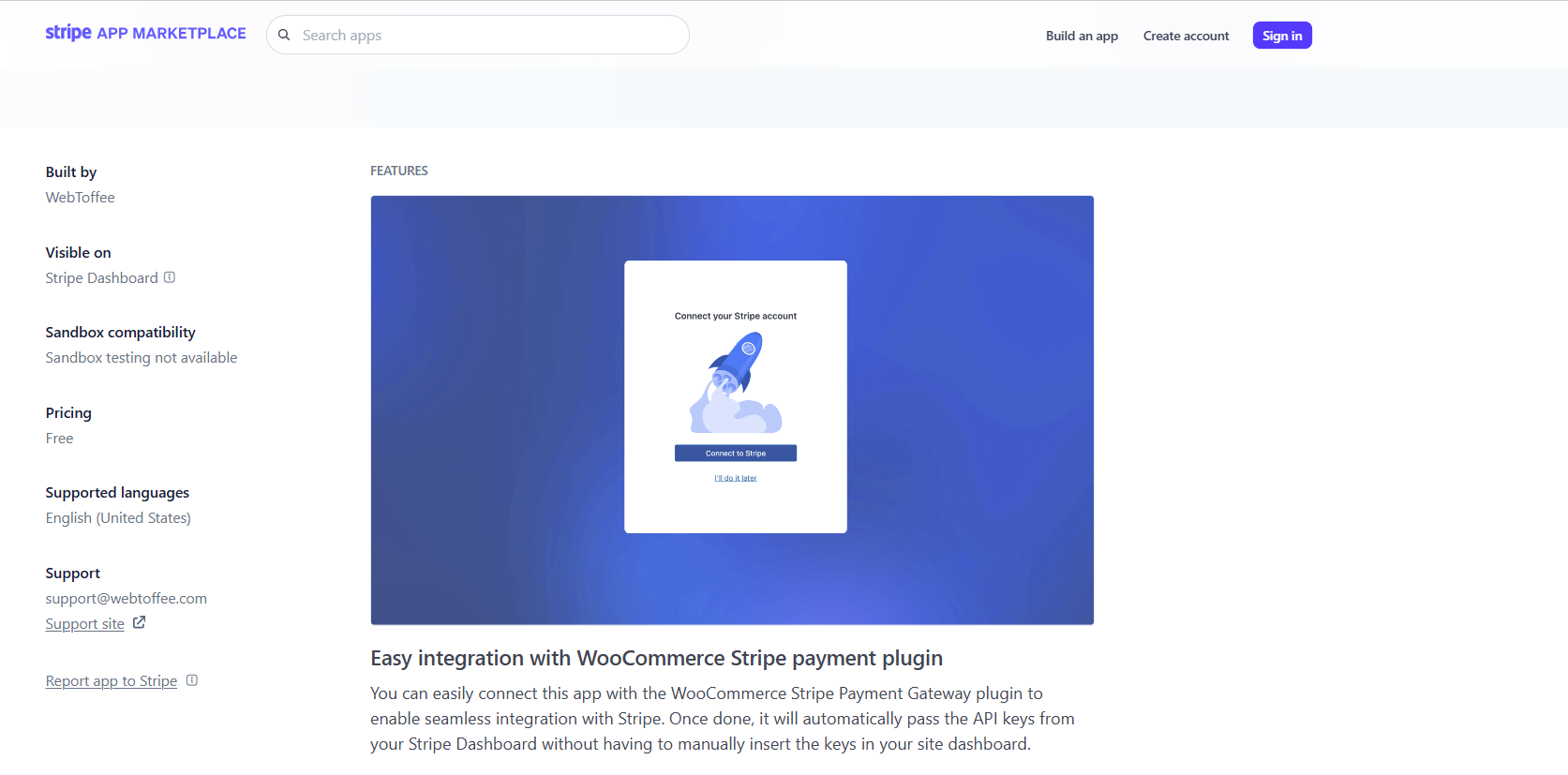
This one bolts Stripe onto an existing WooCommerce store. The main draw is the prebuilt checkout page, which handles address autocomplete and real-time card validation without any custom development.
Key features:
- Cards, Apple Pay, Google Pay, Alipay, Klarna, Afterpay, SEPA, iDEAL, WeChat Pay
- Authorize now, capture on shipment, useful for stores that don’t want to charge until an order goes out
- Full and partial refunds with automatic email receipts
- SCA-ready for European customers
Pricing: Free.
Best for: WooCommerce stores that want Stripe without paying for a separate plugin.
FunnelKit Stripe

FunnelKit’s free Stripe plugin is built around one goal: fewer abandoned carts at checkout. It leans on express payment buttons and post-checkout upsells rather than form customization.
Key features:
- One-click Apple Pay and Google Pay at checkout
- SEPA, P24, iDEAL, Bancontact for international buyers
- Live/test mode toggle for safe testing before launch
- Deep integration with FunnelKit’s funnel builder for one-click upsells
Pricing: Free.
Best for: WooCommerce stores running upsell funnels who want express checkout without extra cost.
Payment Plugins Based on Full WooCommerce eCommerce
WooCommerce

WooCommerce is the plugin most people mean when they say “WordPress online store.” It turns a WordPress site into a full eCommerce platform: inventory, shipping zones, tax rules, and a real shopping cart, not just a payment form.
As a WordPress payment plugin category, this is the heaviest option on the list, and that’s the whole point if you’re selling physical products.
Key features:
- Inventory management, shipping zones, and tax calculation built in
- Supports 100+ payment gateways through extensions, including Stripe, PayPal, and Square
- Hundreds of themes and extensions for design and functionality
- SSL encryption support for secure checkout
Pricing: Free core plugin. Extensions and themes are priced separately, and payment processing fees depend on which gateway you connect.
Best for: Physical product sellers who need real inventory and shipping logic, not just a checkout button.
WooPayments

WooPayments is WooCommerce’s own payment gateway integration, built on Stripe’s infrastructure but managed entirely inside the WooCommerce dashboard. If setup speed is the deciding factor in your WordPress payment gateway choice, this is the fastest path from install to first sale, often under 3 minutes.
Key features:
- Payments, refunds, disputes, and payouts all in one dashboard
- Cards, Apple Pay, Google Pay, and buy-now-pay-later in select regions
- Multi-currency support across 39 countries
- No separate Stripe account required
Pricing: Free plugin. Transaction fees: 2.9% + $0.30 for US cards, 3.9% + $0.30 for international cards.
Best for: Store owners who want the fastest possible WooCommerce payment setup and don’t need Stripe’s full country coverage.
Stripe for WooCommerce (official)
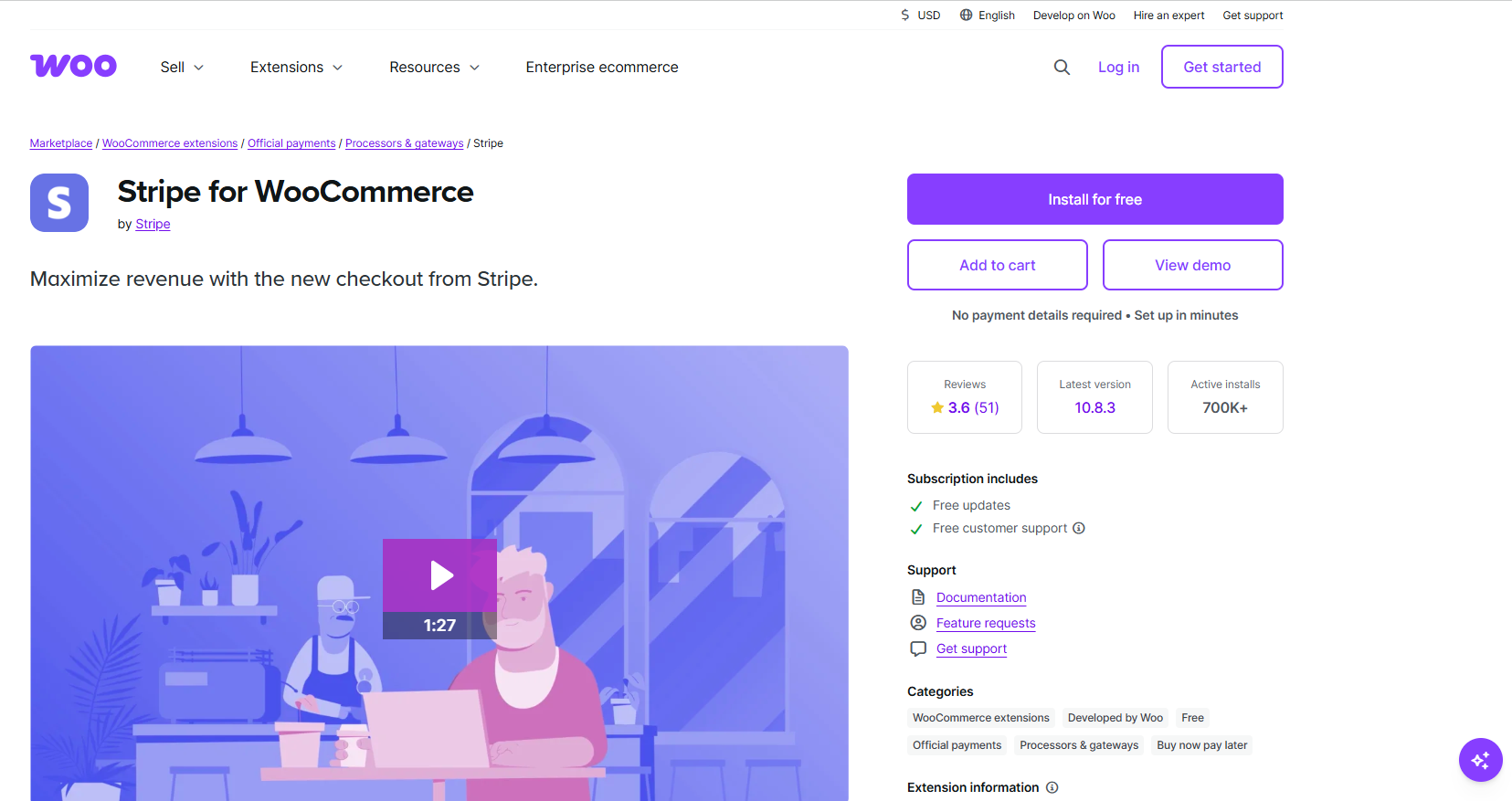
This is Stripe’s own extension for WooCommerce stores that want Stripe specifically, not just “a” gateway. It covers more countries than WooPayments and gives access to Stripe’s native dashboard alongside WooCommerce’s.
Key features:
- Recurring payments work natively, useful for subscriptions and membership add-ons
- Broader country and currency coverage than WooPayments
- Stripe’s fraud detection and SCA compliance built in
- Direct access to Stripe’s own reporting tools
Pricing: Free plugin. Transaction fees: 2.9% + $0.30 (US), 3.9% + $0.30 (international).
Best for: WooCommerce stores that specifically want Stripe as their processor, not just whichever gateway sets up fastest.
WordPress payment Plugins Based on Digital products
Easy Digital Downloads

Easy Digital Downloads (EDD) is a WordPress payment plugin built specifically for digital goods: ebooks, software, templates, courses, anything with no shipping label. Unlike WooCommerce, it skips the physical-product machinery entirely, so setup stays lighter for sellers who only need file delivery and license management.
Key features:
- Software licensing with automatic renewals and per-domain activation limits
- Discount codes with date ranges and maximum-use caps
- Full shopping cart built for digital products, not bolted onto one
- Customer and sales reporting, including customer lifetime value
Pricing: $99.50/year for Personal (1 site, intro price). Extended is $199.50/year, Professional $299.50/year, All Access $499.50/year.
Best for: Software vendors, course creators, and template sellers who need licensing and file protection, not shipping.
WordPress payment Plugins Based on Memberships and Subscriptions
MemberPress

MemberPress is a WordPress membership plugin that gates content behind paid tiers and handles the billing that goes with it. It’s built around recurring revenue: drip content, subscription management, and a built-in LMS for anyone selling courses alongside membership access.
Key features:
- Content dripping and access rules by membership level
- Built-in course builder with quizzes and certificates
- Automated renewal, cancellation, and abandoned-checkout emails
- CoachKit add-on for 1-on-1 coaching businesses layered on top of memberships
Pricing: Launch is $199.50/year (intro, renews at $399) plus a 4.9% transaction fee, and only supports Stripe. Growth is $349.50/year with 0% transaction fees and adds PayPal and Square. Scale is $499.50/year.
Best for: Coaches, educators, and community builders running paid membership tiers or online courses.
WC Vendors
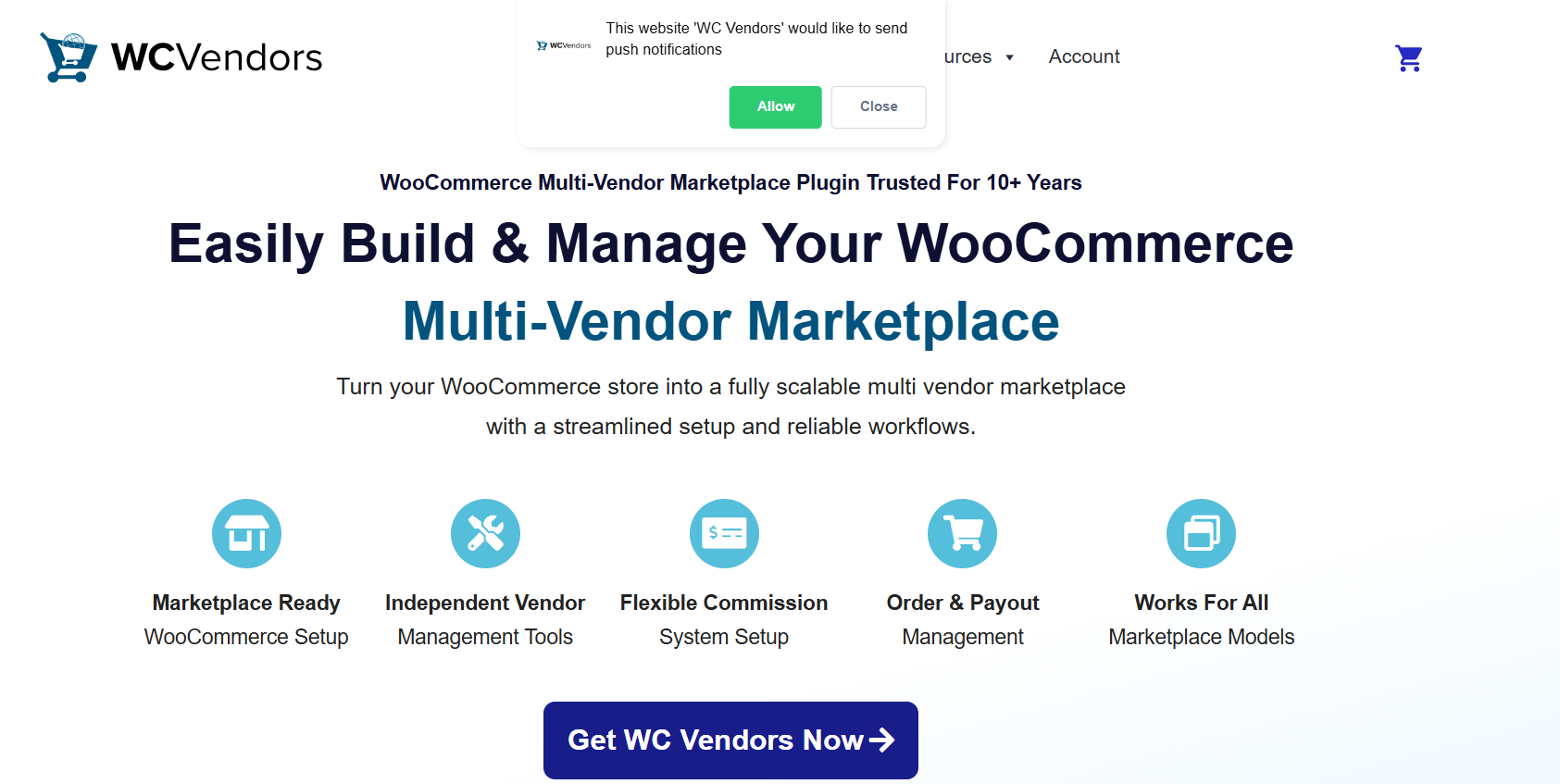
WC Vendors turns a WooCommerce store into a multi-vendor marketplace, the kind of setup behind Etsy-style or Amazon-style platforms where multiple sellers list under one storefront. It extends WooCommerce’s own data structures rather than adding a separate system on top, which keeps it compatible with the WooCommerce extensions a store already runs.
Key features:
- Unlimited vendors and vendor products, even on the entry Pro plan
- All 5 commission structures (percentage, fixed, percentage plus fee, fixed plus fee, tiered) included at the entry tier
- Stripe Connect built in for automatic vendor payouts, no separate plugin required
- Frontend vendor dashboard for managing products, orders, and coupons without touching wp-admin
Pricing: Pro is $99.50/year (1 site). Growth is $199.50/year and adds Stripe Connect payouts plus vendor membership tiers. Business is $399/year and adds subscription and booking support.
Best for: WooCommerce store owners building a marketplace with multiple sellers, not a single-vendor shop.
WordPress Payment Plugins Based on Payment-enabled form builders
WPForms

WPForms is a general-purpose WordPress form builder that adds payment collection as one of its Pro-tier features, not its core pitch. The tradeoff is flexibility: the same form that takes a payment can also branch based on a customer’s answers, calculate a total, and send a tailored confirmation email.
Key features:
- Payment fields for Stripe, Square, PayPal, and Authorize.Net
- Conditional logic to show or hide fields based on user input
- Product grids with automatic total calculation
- 2,000+ form templates covering donations, event registration, and order forms
Pricing: Basic starts at $49.50/year but doesn’t include payment fields. Pro, the tier that unlocks Stripe/PayPal/Square/Authorize.Net, starts at $199.50/year.
Best for: Sites that need one flexible form for both lead capture and payment collection, not a dedicated store.
Formidable Forms
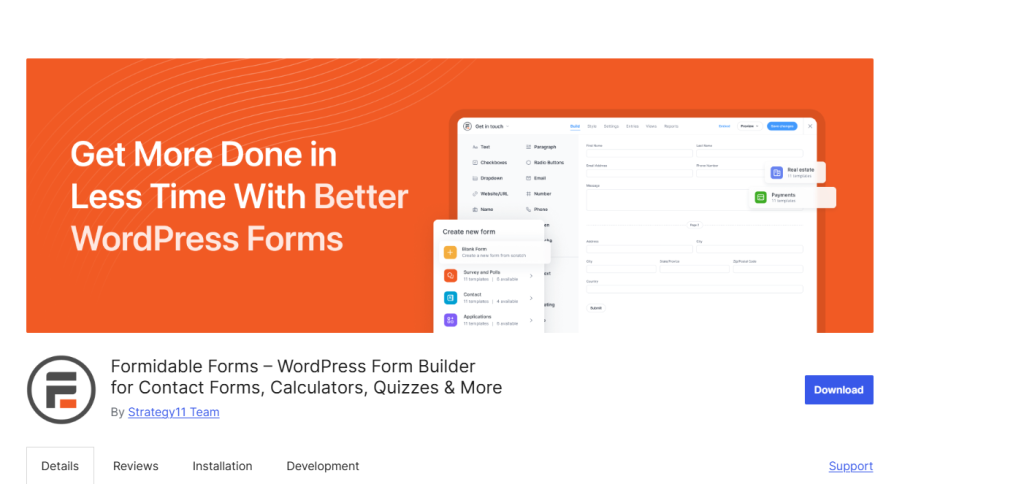
Formidable Forms is built for payment scenarios with real logic behind the price: event registrations where the fee changes by ticket type, quote forms with a running calculation, booking systems with variable pricing. It’s the option on this list built for math, not just checkout.
Key features:
- Native calculation fields for pricing that changes based on user selections
- Stripe and PayPal payment fields with ACH, Cash App, Klarna, and Affirm support
- Visual Styler for full control over form branding and layout
- Repeater fields for multi-line entries like guest lists or work history
Pricing: Basic starts at $39.50/year but doesn’t include payment fields. Business, the tier that unlocks Stripe and PayPal, starts at $199.50/year.
Best for: Businesses that need calculated pricing baked into the form itself, like quote generators or tiered event registration.
WordPress Payment Plugins Based on Donations and Non-profits
WPCharitable

WPCharitable is a donation and crowdfunding plugin built specifically for nonprofits, not a general payment tool with a donation mode bolted on. Campaigns can carry a fundraising goal, an expiration date, or both, and donors can pick a suggested amount or enter their own.
Key features:
- Peer-to-peer fundraising, so supporters can launch their own sub-campaigns under a main fundraiser
- Donor management system with self-service login for viewing donation history and tax receipts
- Recurring donations billed weekly, quarterly, semi-annually, or annually
- Stripe Connect for automatic payout splits on peer-to-peer campaigns
Pricing: Basic starts at $69/year. Free Stripe, PayPal, and Square donations are available on the Lite version with no added transaction fees.
Best for: Registered nonprofits running fundraising campaigns with goals, deadlines, or peer-to-peer components.
Paymattic

Paymattic covers both payments and donations from the same plugin, with Stripe available for free out of the box and 13 additional gateways on the paid tier. The pitch is breadth: more payment gateways than most competitors on this list, including regional options like Razorpay, Paystack, and SSLCommerz for international donors.
Key features:
- 14 payment gateways total, including Stripe, PayPal, Square, and Authorize.Net
- Donor leaderboard and progress bars tied to campaign goals
- Recurring donations with customizable billing intervals
- No Paymattic platform fee on any tier, only standard gateway processing fees
Pricing: Free version available with Stripe built in. Pro starts at roughly $59/year for a single site.
Best for: Nonprofits or small businesses that need a wider spread of regional payment gateways than Stripe and PayPal alone.
Square-first WordPress Payment Plugins
MyPayKit

MyPayKit is a dedicated Square payment plugin, built for sites that want Square without configuring a full WooCommerce store around it. The onboarding is the standout: connecting your Square account takes a one-click OAuth flow instead of copying API keys by hand.
Key features:
- One-click secure connection to Square, no API key management
- Apple Pay, Google Pay, and standard card payments on desktop and mobile
- Orders, customer profiles, and refunds sync automatically back into your Square dashboard
- Works alongside a physical Square POS terminal, so online and in-person sales land in one place
Pricing: Free (Lite version, 3% transaction fee on top of Square’s rate). Pro starts at $49.50/year and removes the platform fee.
Best for: Brick-and-mortar businesses already running Square hardware who want their WordPress payment gateway to feed the same merchant account.
WP EasyPay

WP EasyPay is another Square-first WordPress payment plugin, aimed at businesses that want donation and subscription forms without touching WooCommerce. It leans harder into form customization than MyPayKit, with a drag-and-drop builder and multiple layout styles.
Key features:
- Multi-step payment forms for complex transactions, useful for registrations that need more than a single field
- Recurring billing and subscription management from a single dashboard
- Square Terminal compatibility, so in-person and online payments reconcile together
- hCaptcha, Cloudflare Turnstile, and Google reCAPTCHA options built in for spam protection
Pricing: Basic is $69/year (cards and ACH only). Professional is $99/year and adds Apple Pay, Google Pay, and coupons. Business is $129/year and adds Cash App, Afterpay, subscriptions, and Square gift card support.
Best for: Square users who want donation or subscription forms with more layout and branding control than a bare-bones payment button.
Alternative Gateways as WordPress Payment Plugins
PayPal Payments for WooCommerce
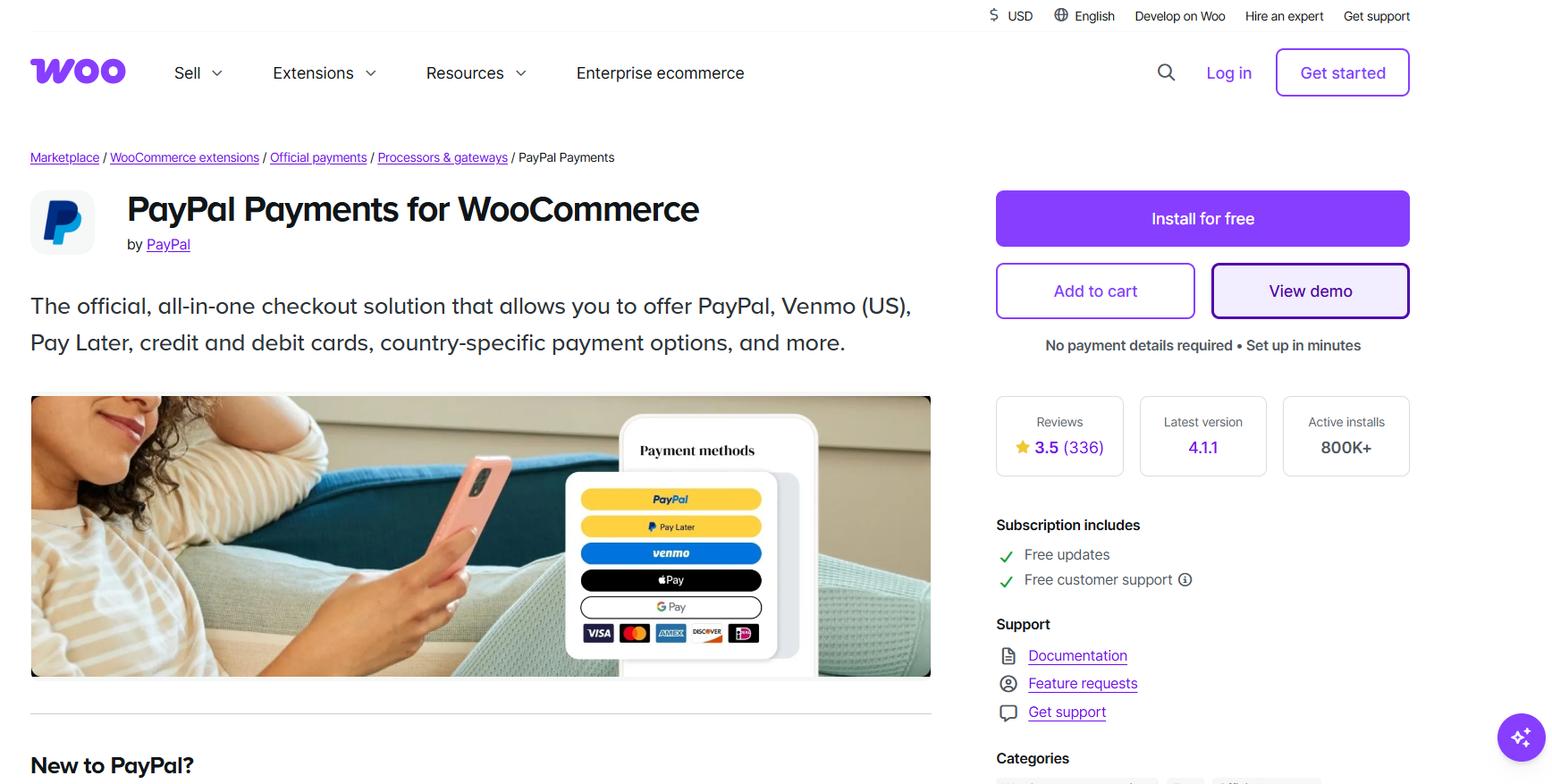
This plugin brings PayPal’s own checkout into WooCommerce, including Venmo for US buyers and PayPal’s Pay Later installment option. The main reason to run it isn’t cost, PayPal is the priciest gateway on this list, it’s buyer trust: some customers won’t enter a card number on an unfamiliar site but will click a PayPal button without hesitation.
Key features:
- Native Venmo support for US customers
- Pay Later installment options at checkout
- PayPal’s own fraud protection and buyer dispute handling
- Works alongside Stripe as a secondary payment method, not a replacement
Pricing: Free plugin. Transaction fees: 3.49% + $0.49 per transaction, meaningfully higher than Stripe’s 2.9% + $0.30.
Best for: WooCommerce stores adding PayPal as a trusted second option next to Stripe, not as the only gateway.
WordPress Crypto payment plugins
NOWPayments

NOWPayments is a crypto payment gateway plugin supporting over 300 coins, with automatic conversion to fiat if you don’t want to hold crypto on your books. It’s a white-label solution, so customers see your branding at checkout, not a third-party processor’s.
Key features:
- 300+ cryptocurrencies including Bitcoin, Ethereum, and Solana, convertible to 75+ fiat currencies
- Point-of-sale integration for businesses that also take crypto in person
- Non-custodial wallet option (NOW Wallet) supporting 40+ blockchains
- Fully white-label checkout, no visible third-party branding
Pricing: Free plugin. Transaction fees start from 0.5%, plus separate exchange fees (0.5-1%), conversion fees (0.5% per conversion), and fiat withdrawal fees (1.5-2.3%). The fee stack is more complex than a single percentage, worth modeling against your actual transaction volume before committing.
Best for: Stores that want broad cryptocurrency coverage and are comfortable with a multi-part fee structure instead of one flat rate.
MyCryptoCheckout

MyCryptoCheckout takes a different approach: payments go directly to your own wallet, with no processor taking a percentage. The tradeoff is that blockchain confirmation times vary, so it isn’t built for instant-gratification checkouts.
Key features:
- 100+ cryptocurrencies including Bitcoin, Ethereum, and major altcoins
- Zero transaction fees, since payments route straight to your wallet
- No fiat conversion built in, you hold whatever currency the customer pays in
- Works as a supplementary payment option alongside a primary gateway
Pricing: Free version supports 5 transactions/month. Unlimited transactions cost $57/year.
Best for: Sellers who want to accept crypto directly without giving up a percentage to a payment processor, and who don’t need instant fiat conversion.
What WordPress Payment Plugin Guides Don’t Tell You About Repeat Customers
Plenty of plugins, and every one of them answers the same question: how do you get paid once?
That gap matters more than it looks.
The probability of selling to an existing customer sits at 60-70%. For a brand-new prospect, it drops to 5-20%, a gap so wide and so consistently reported across retail research that it’s become one of the most cited numbers in marketing.
Picking the right payment gateway solves the first transaction. It says nothing about the second one. Three plugins actually address this, and none of them are payment plugins.
Worth being direct about that distinction before going further: these don’t touch your gateway, don’t process a card, and won’t show up if you search “wordpress payment plugin” anywhere else.
What they do is sit on top of WooCommerce or EDD and give a customer a reason to buy again.
myCred is a free, open-source points and rewards engine with native WooCommerce and EDD hooks, meaning it can award points for a purchase, a review, or an account signup without a separate integration plugin.
Points convert to store credit or discount coupons on the next order. Premium tiers unlock more integrations and add-ons: Basic at $99/year, Professional at $149/year, Business at $299/year, all for a single site.
WooCommerce Points and Rewards, the official extension from WooCommerce itself, does a narrower version of the same thing: points for purchases, signups, and reviews, redeemable for checkout discounts. Starts at $179/year.
Advanced Loyalty Program by Rymera (the team behind Advanced Coupons) starts at $99.50/year and requires the free Advanced Coupons plugin alongside it. It leans on store credit rather than coupon codes for redemption, and plugs into the same company’s gift card and BOGO tools if you’re already running those.
How to Choose the Best WordPress Payment Plugin for Your Store
Four questions cut through 18 WordPress payment plugins faster than a feature-by-feature comparison:
What Are You Selling?
Physical goods point toward WooCommerce. Digital products and software licensing point toward Easy Digital Downloads. Memberships and courses point toward MemberPress. Donations point toward WPCharitable or Paymattic.
Which Gateway Do Your Customers Already Trust?
A Stripe-only tool like WP Simple Pay is the lightest option if Stripe is enough. Square-first businesses should look at MyPayKit or WP EasyPay instead of bolting Square onto a WooCommerce setup that wasn’t built for it.
Do You Need A Full Cart, Or Just a Payment Form?
A single form-based plugin (WPForms, Formidable Forms) is faster to set up than WooCommerce, but it won’t manage inventory, shipping, or a multi-product catalog.
Do Repeat Purchases Matter Enough to Add a Rewards Layer?
If the answer is yes, pick a gateway first from the sections above, then layer on myCred, WooCommerce Points and Rewards, or Advanced Loyalty Program afterward.
If the answer is no, skip this step entirely, it’s not a universal add-on.
Ending Note
There’s no single best WordPress payment plugin, only the right one for what’s being sold and who’s buying it. WooCommerce still covers the widest range of physical-product stores. Easy Digital Downloads and MemberPress own their respective lanes in digital goods and memberships. WP Simple Pay stays the fastest path to a Stripe form with nothing else attached.
What’s worth carrying out of this guide isn’t a single plugin name. It’s the question none of the other roundups ask: after the gateway is picked and the first sale clears, what’s actually bringing that customer back for the second one.