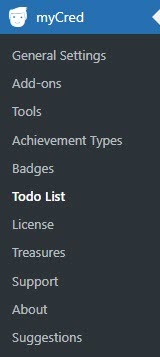
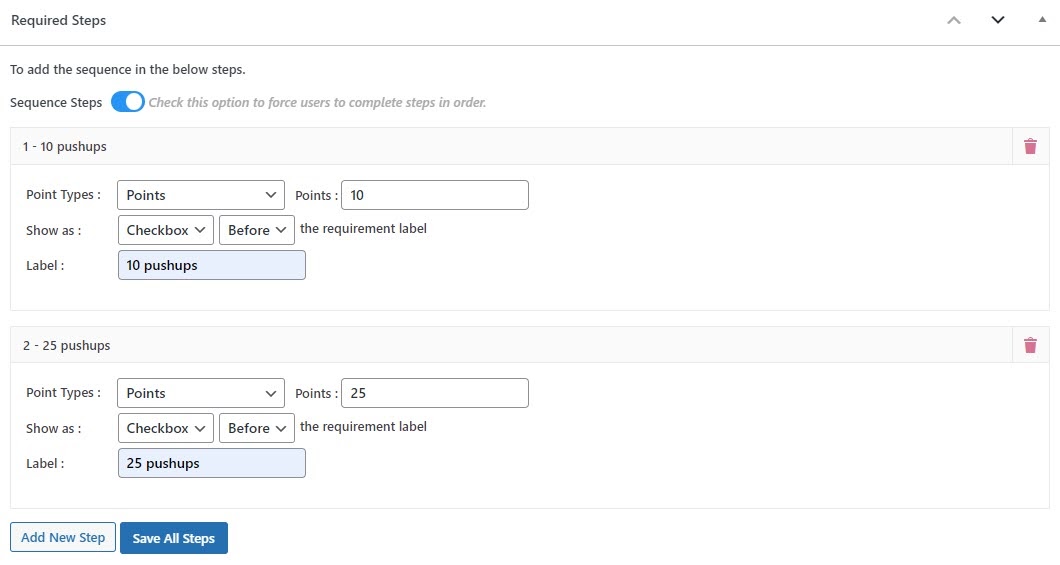
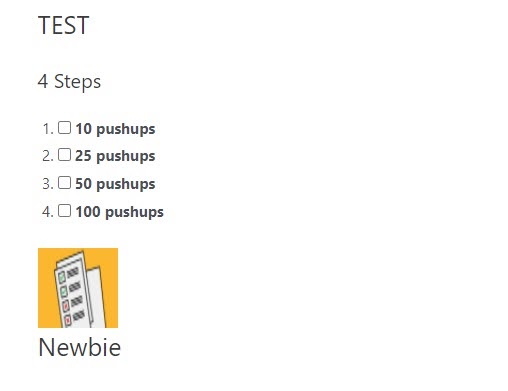
The myCred To Do List addon allows you to create a to do list of everyday activities that your users can mark as completed manually. To finish the everyday activities list, users can individually mark any point on it. It could be a list of daily life skills activities, such as workouts, business meetings, etc. By using this to do list addon, you can customize each task with different settings, such as displaying a checkbox or button and configuring different ranks upon completion.
ToDo List
Features
Allows you to install and use this plugin on a single website or multisite installation.

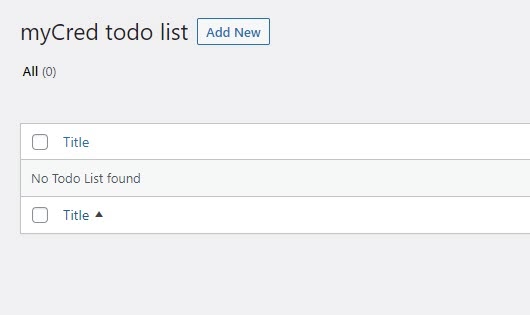
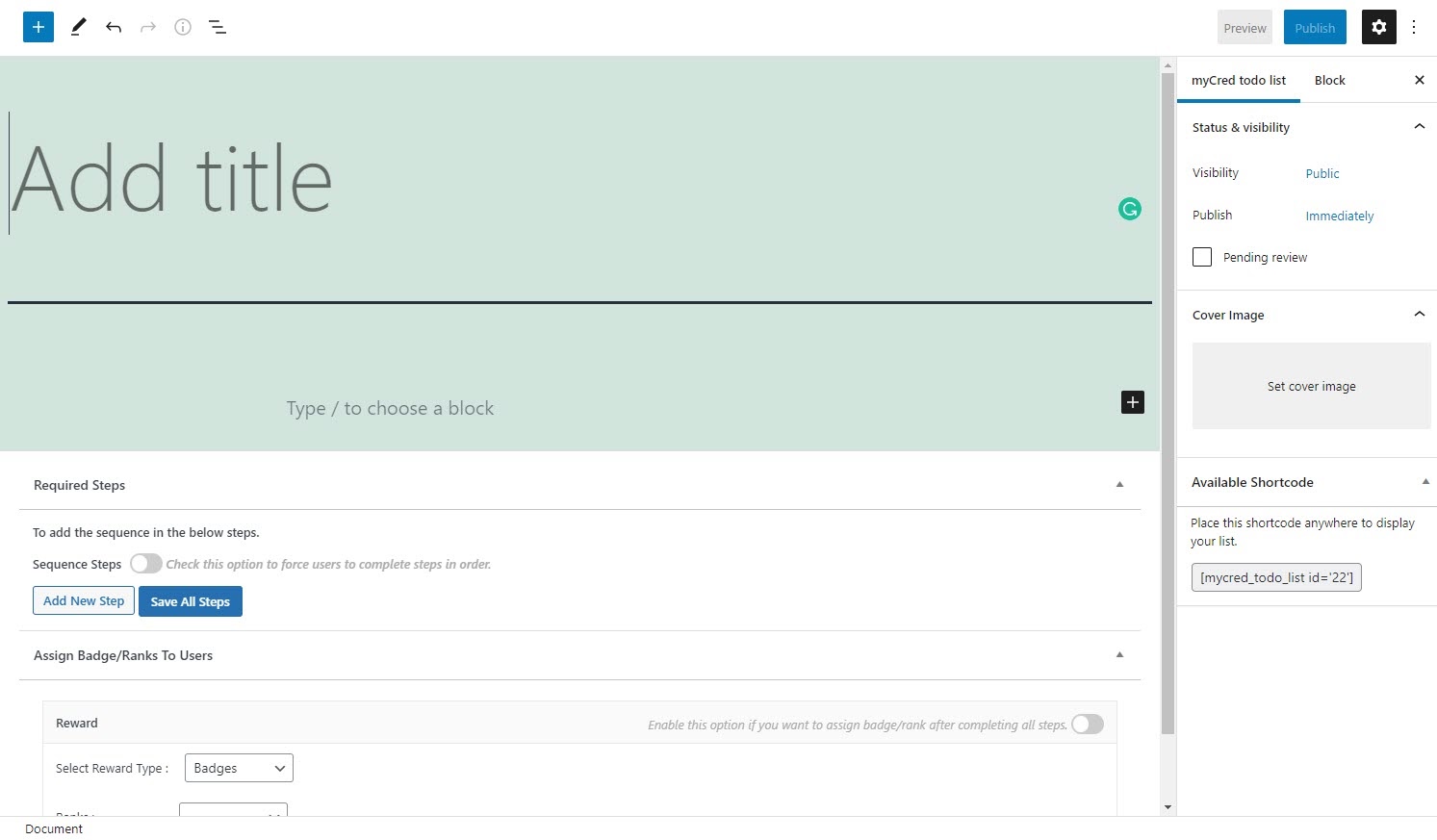
Create a To-Do List
Make a list of everything you need to do.

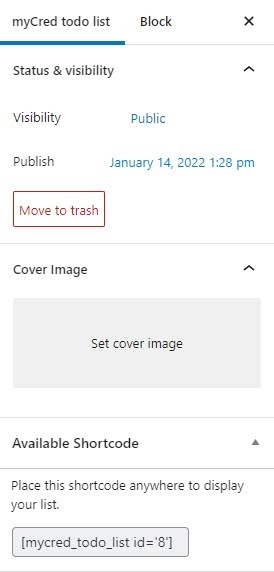
Set Cover Image
Create a cover image for your to-do list.

Rank Upon Completion
Create ranks and badges that will be issued once a list has been completed.
The myCred To Do List addon allows you to create a to do list of everyday activities that your users can mark as completed manually. To finish the everyday activities list, users can individually mark any point on it. It could be a list of daily life skills activities, such as workouts, business meetings, etc. By using this to do list addon, you can customize each task with different settings, such as displaying a checkbox or button and configuring different ranks upon completion.
Installation Guide
Please follow the below instructions step by step.
- Download the zip file from your mycred.me account > My Downloads
- Go to the WordPress Admin Dashboard > Plugins
- Once you are on the plugins page you can see the “Add New” button in the top left corner.
- Click the “Add New” button and upload the zip file of a plugin that you’ve downloaded from mycred.me account.
Once the plugin installed, click the “Activate” button.
To view the documentation
click here
Please follow the below instructions step by step.
- Download the zip file from your mycred.me account > My Downloads
- Go to the WordPress Admin Dashboard > Plugins
- Once you are on the plugins page you can see the “Add New” button in the top left corner.
- Click the “Add New” button and upload the zip file of a plugin that you’ve downloaded from mycred.me account.