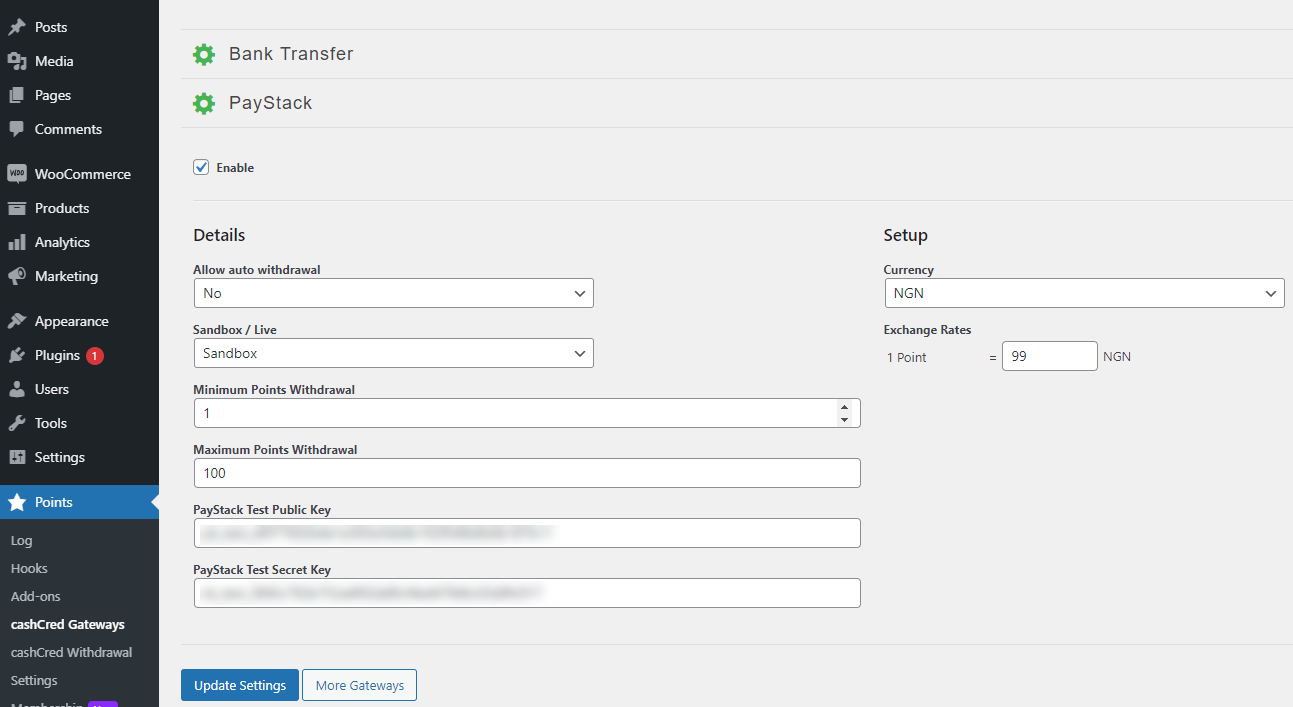
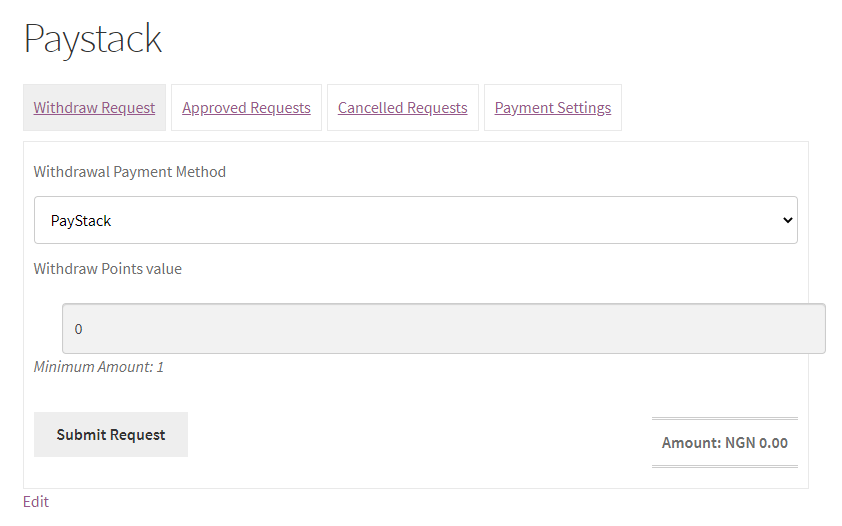
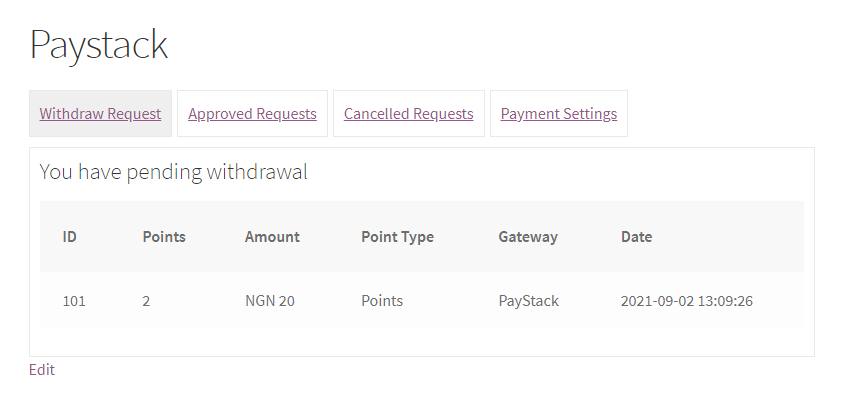
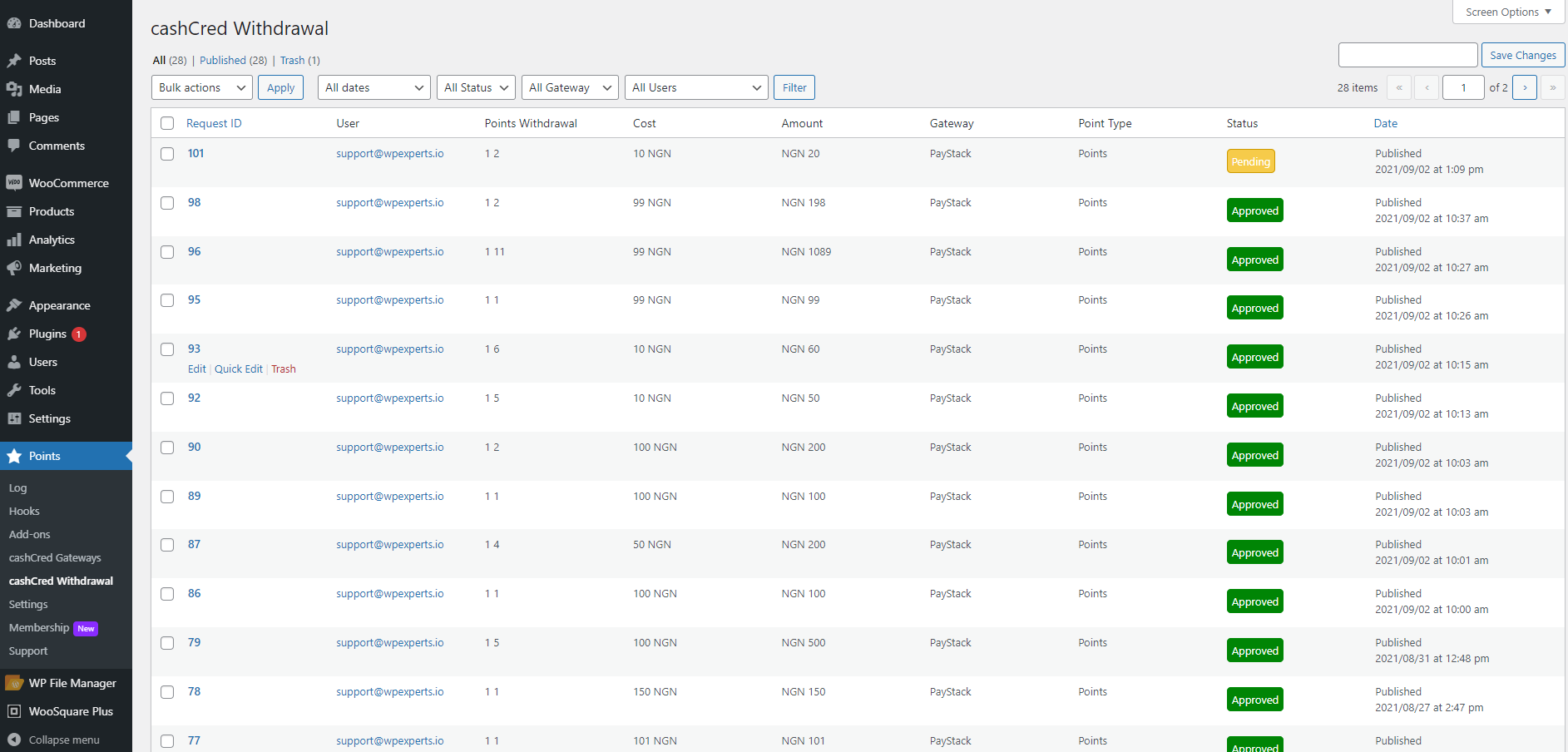
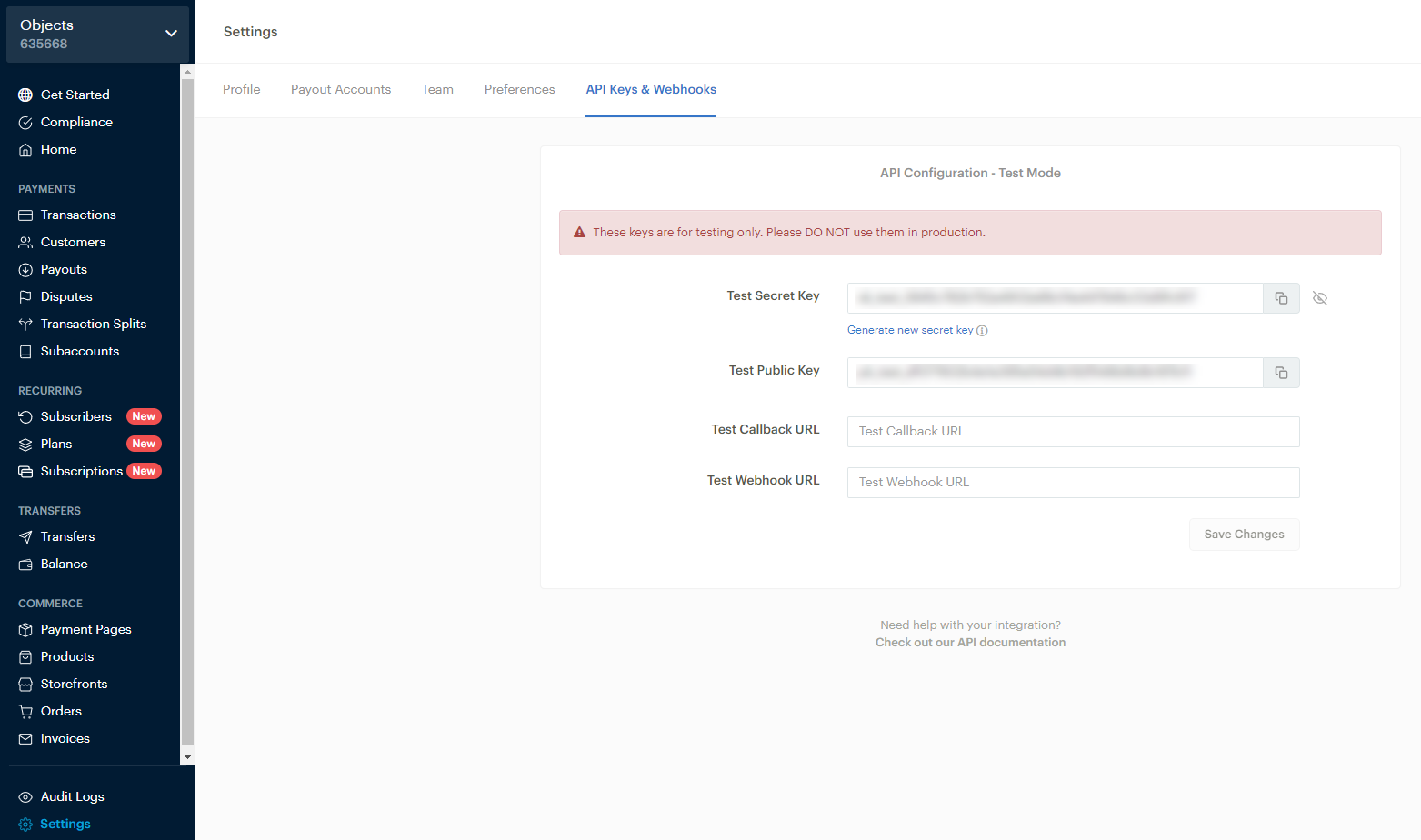
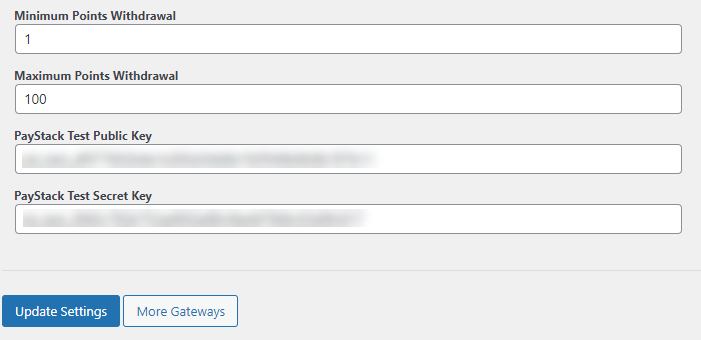
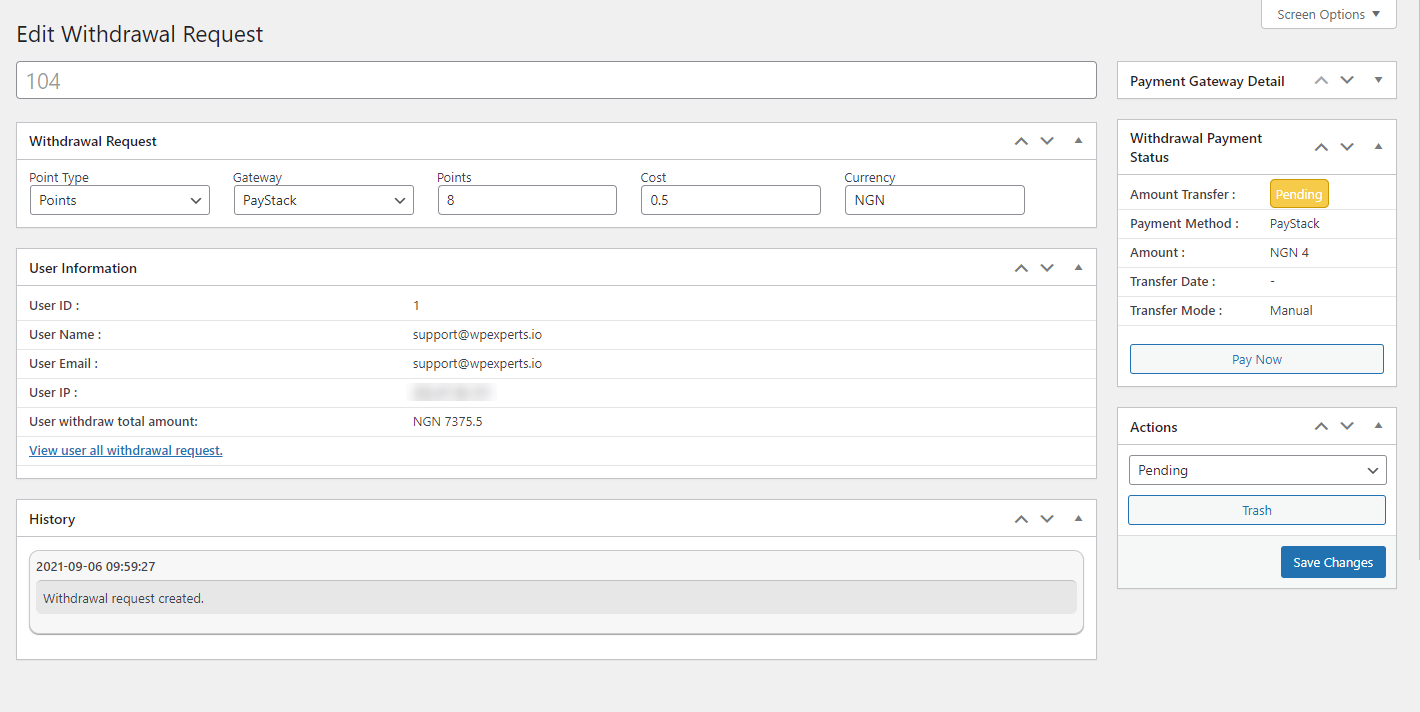
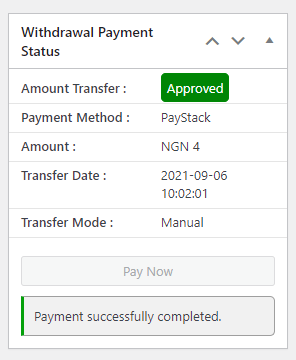
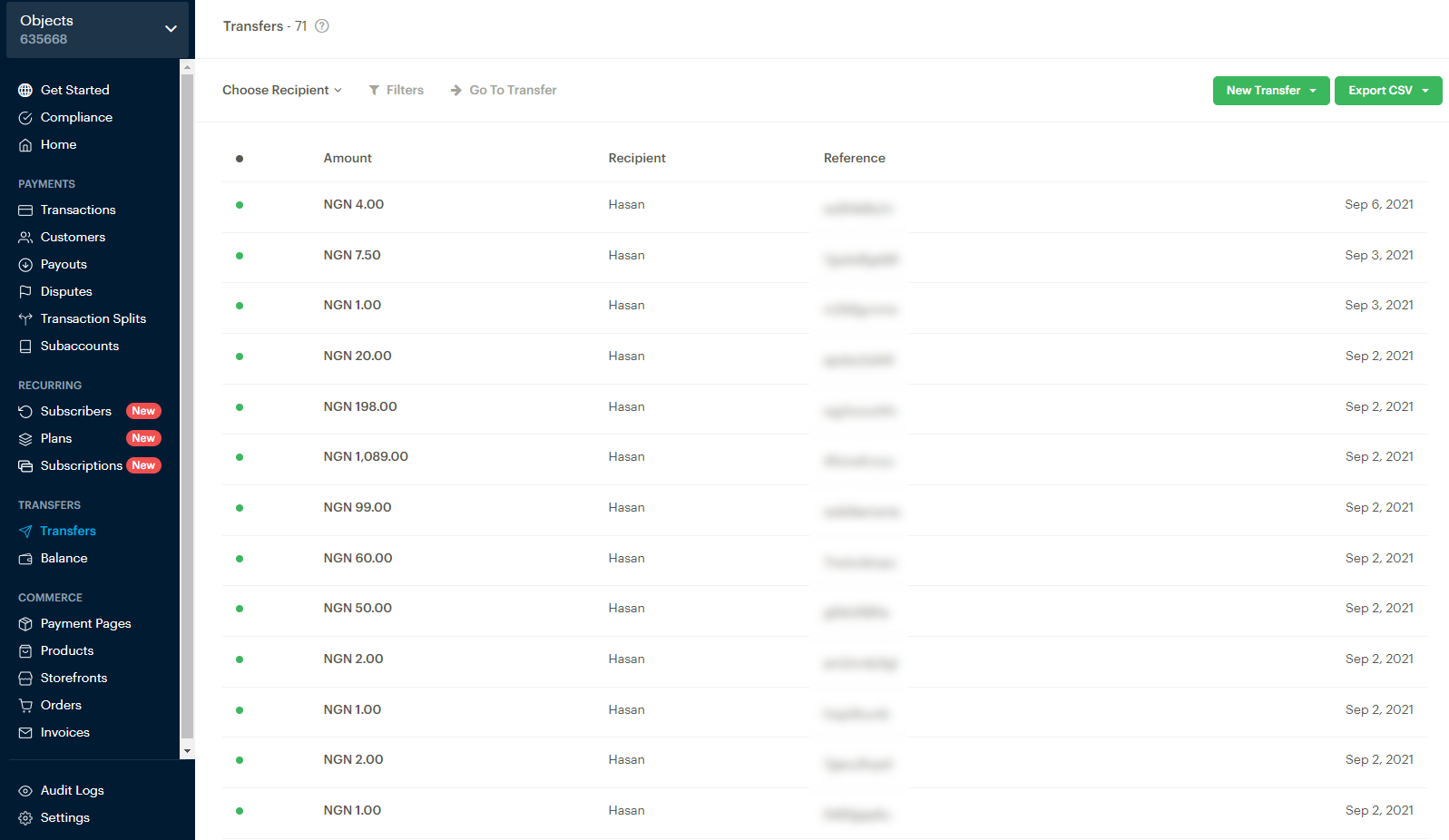
CashCred Paystack allows users to connect cashCred with their Paystack account. cashCred gives users the ability to convert myCred points into cash. The admin can set the exchange rate and conversion value for each myCred point.
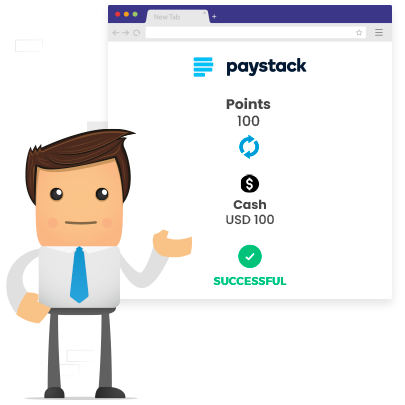
CashCred PayStack
Features
Allows you to install and use this plugin on a single website or multisite installation.

NGN or GHS Conversion
Convert Nigerian Naira or Ghanaian Cedi as per standard foreign exchange rates.

Exchange Rates
Set the exchange rate for each myCred point.

Set Conversion Value
Set' minimum amount' and 'maximum number of points for conversion.

Sandbox Test Functionality
Send test transfers using Sandbox test mode functionality.
CashCred Paystack allows users to connect cashCred with their Paystack account. cashCred gives users the ability to convert myCred points into cash. The admin can set the exchange rate and conversion value for each myCred point.
Installation Guide
- After downloading the plugin, install it on your WordPress system.
- Log in to your WordPress admin panel.
- Click on the Plugins tab on the left side menu.
- Click Add New.
- Click on Upload Plugin button at the top of page.
- Click on Choose File.
- Select the mycred zip file from the directory.
- Click install now.
- After uploading click the Activate Plugin button.
- That’s all. (You will now see the settings and hook in myCred hooks and settings).
To view the documentation
click here
- After downloading the plugin, install it on your WordPress system.
- Log in to your WordPress admin panel.
- Click on the Plugins tab on the left side menu.
- Click Add New.
- Click on Upload Plugin button at the top of page.
- Click on Choose File.
- Select the mycred zip file from the directory.
- Click install now.
- After uploading click the Activate Plugin button.
- That’s all. (You will now see the settings and hook in myCred hooks and settings).