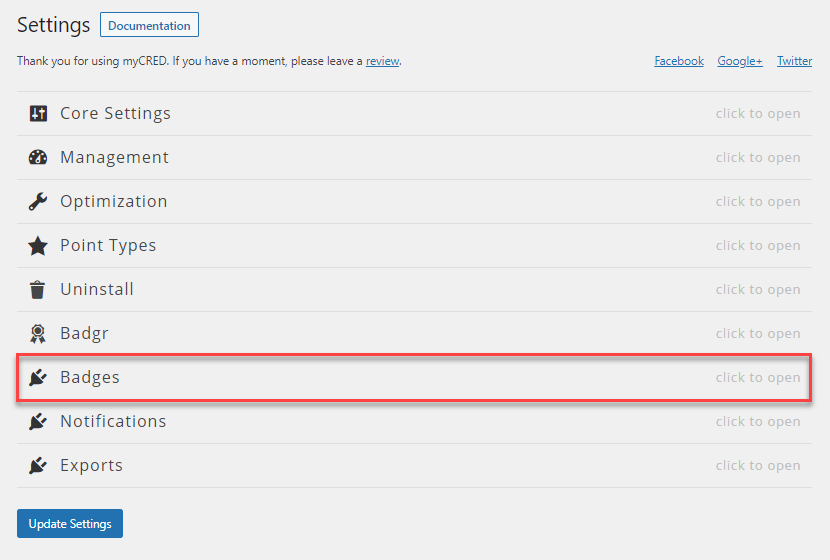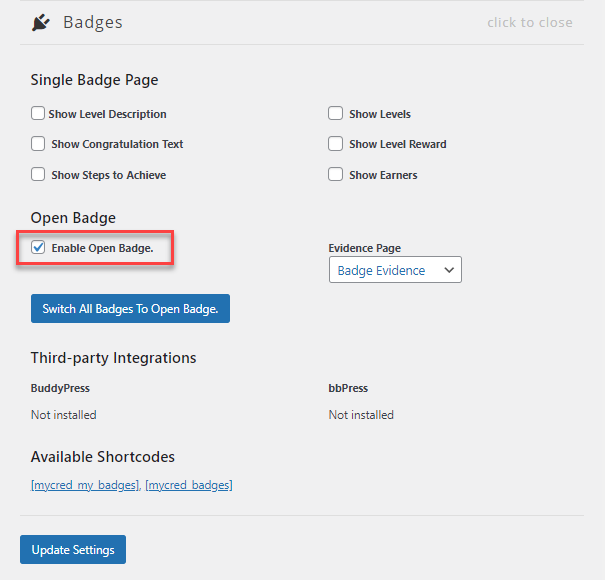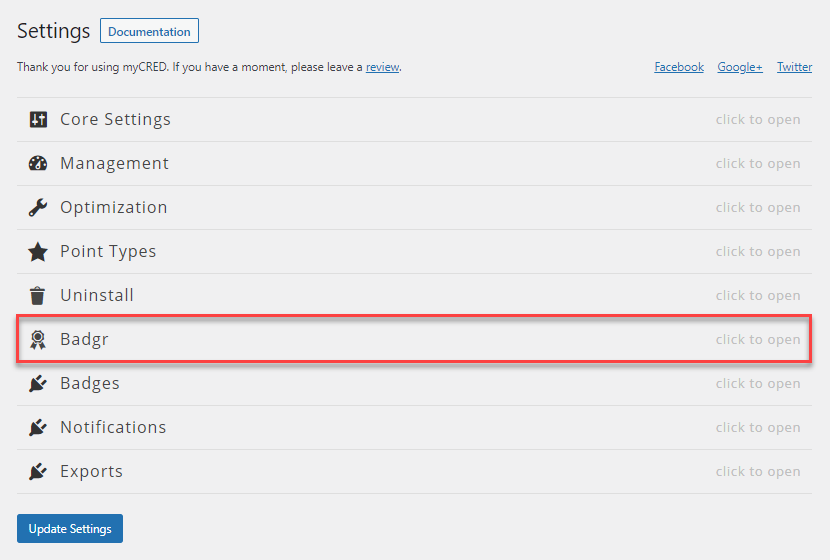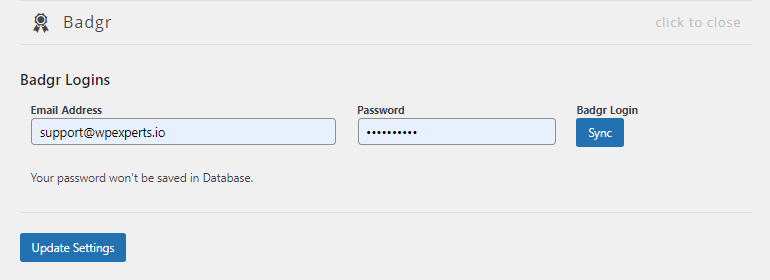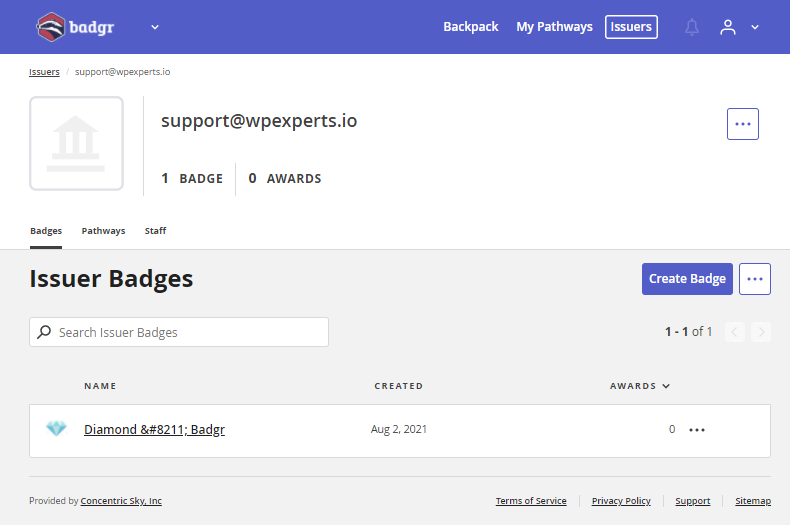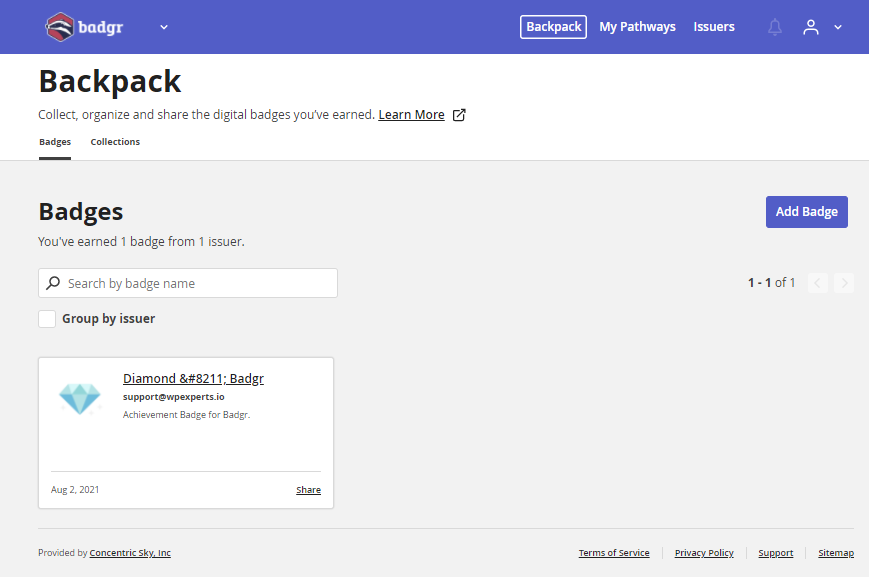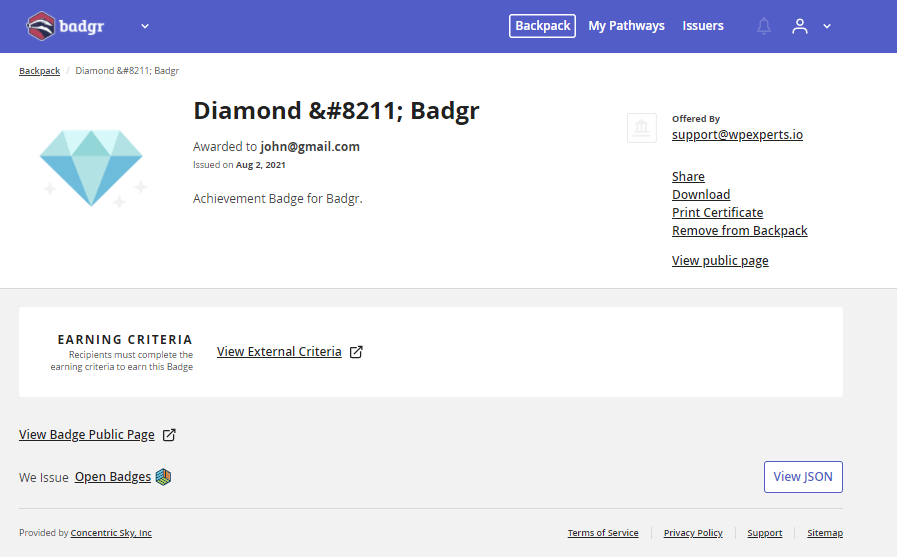
myCred Badgr is a freebie mycred-integrated add-on that allows users and admins to connect their myCred achievements with Badgr. This empowers users to share their digital badges easily.
Features
Allows you to install and use this plugin on a single website or multisite installation.

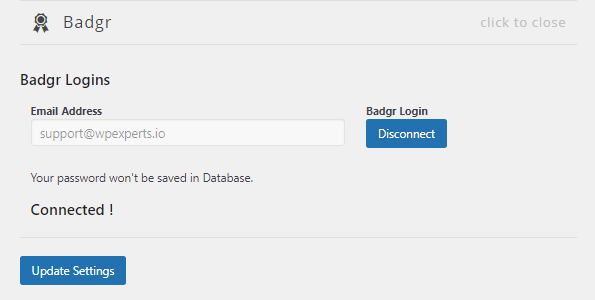
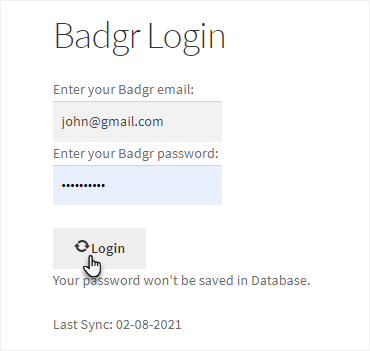
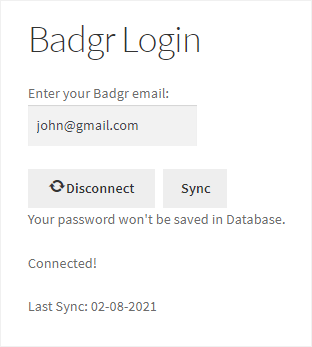
Sync with Badgr
Synchronize admin or user myCred account with Badgr.

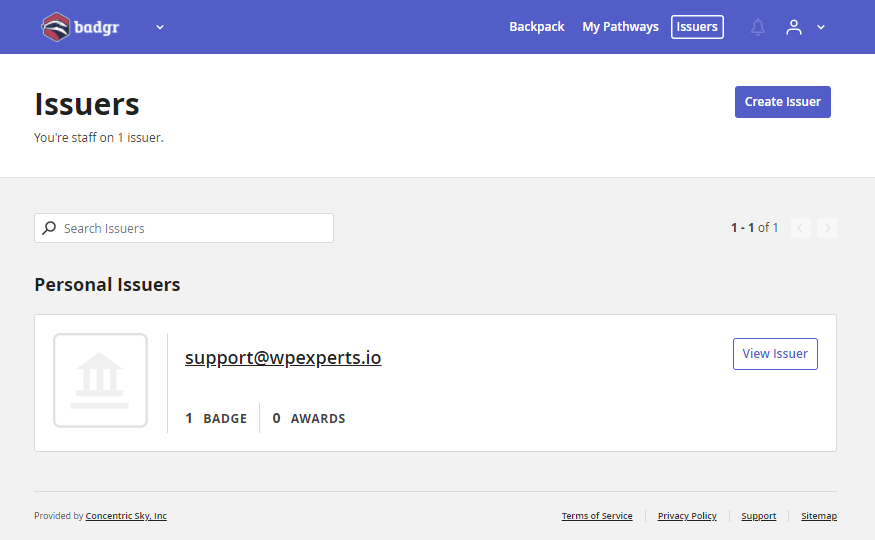
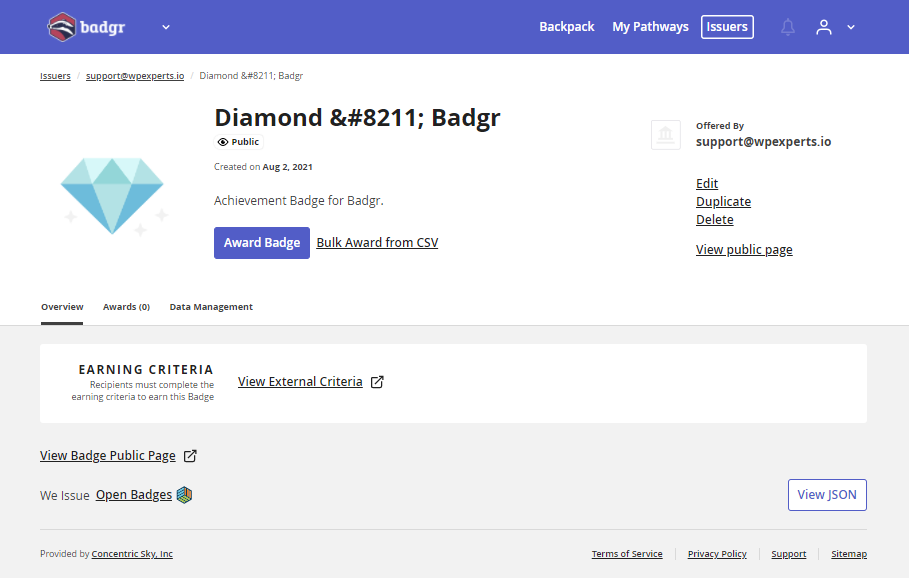
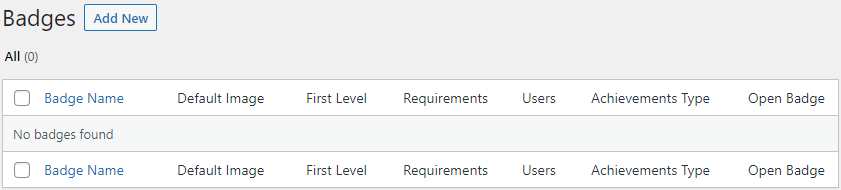
Import badges
Import Badgr badges to your site through synchronization.

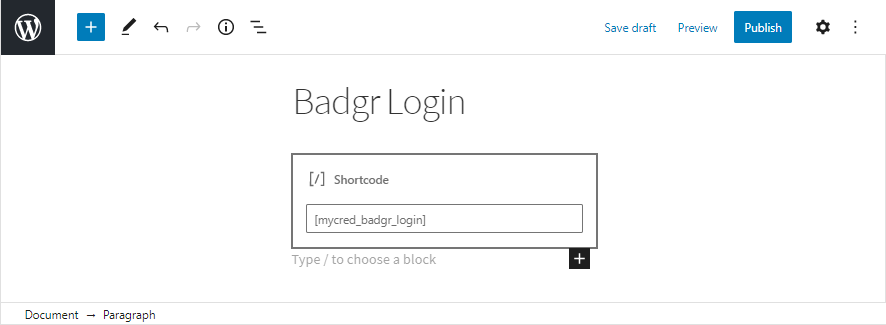
Shortcode display
Display open badges on your website via shortcode.

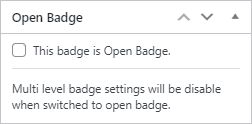
Open Badge compatible
myCred currently supports Open Badge compatibility.

Badgr Sync Form
Display Badgr’s sync form to connect the user’s account with Badgr.
myCred Badgr is a freebie mycred-integrated add-on that allows users and admins to connect their myCred achievements with Badgr. This empowers users to share their digital badges easily.
Installation Guide
Please follow the below instructions step by step.
- Download the zip file from your mycred.me account > My Downloads
- Go to the WordPress Admin Dashboard > Plugins
- Once you are on the plugins page you can see the “Add New” button in the top left corner.
- Click the “Add New” button and upload the zip file of a plugin that you’ve downloaded from mycred.me account.
Once the plugin installed, click the “Activate” button.
To view the documentation
click here
Please follow the below instructions step by step.
- Download the zip file from your mycred.me account > My Downloads
- Go to the WordPress Admin Dashboard > Plugins
- Once you are on the plugins page you can see the “Add New” button in the top left corner.
- Click the “Add New” button and upload the zip file of a plugin that you’ve downloaded from mycred.me account.