myCred-Amelia is a myCred add-on that connects myCred with Amelia appointment-booking WordPress plugin. Using myCred-Amelia, users can book appointments or events of their choice using myCred points.

Features
Allows you to install and use this plugin on a single website or multisite installation.

myCred Points
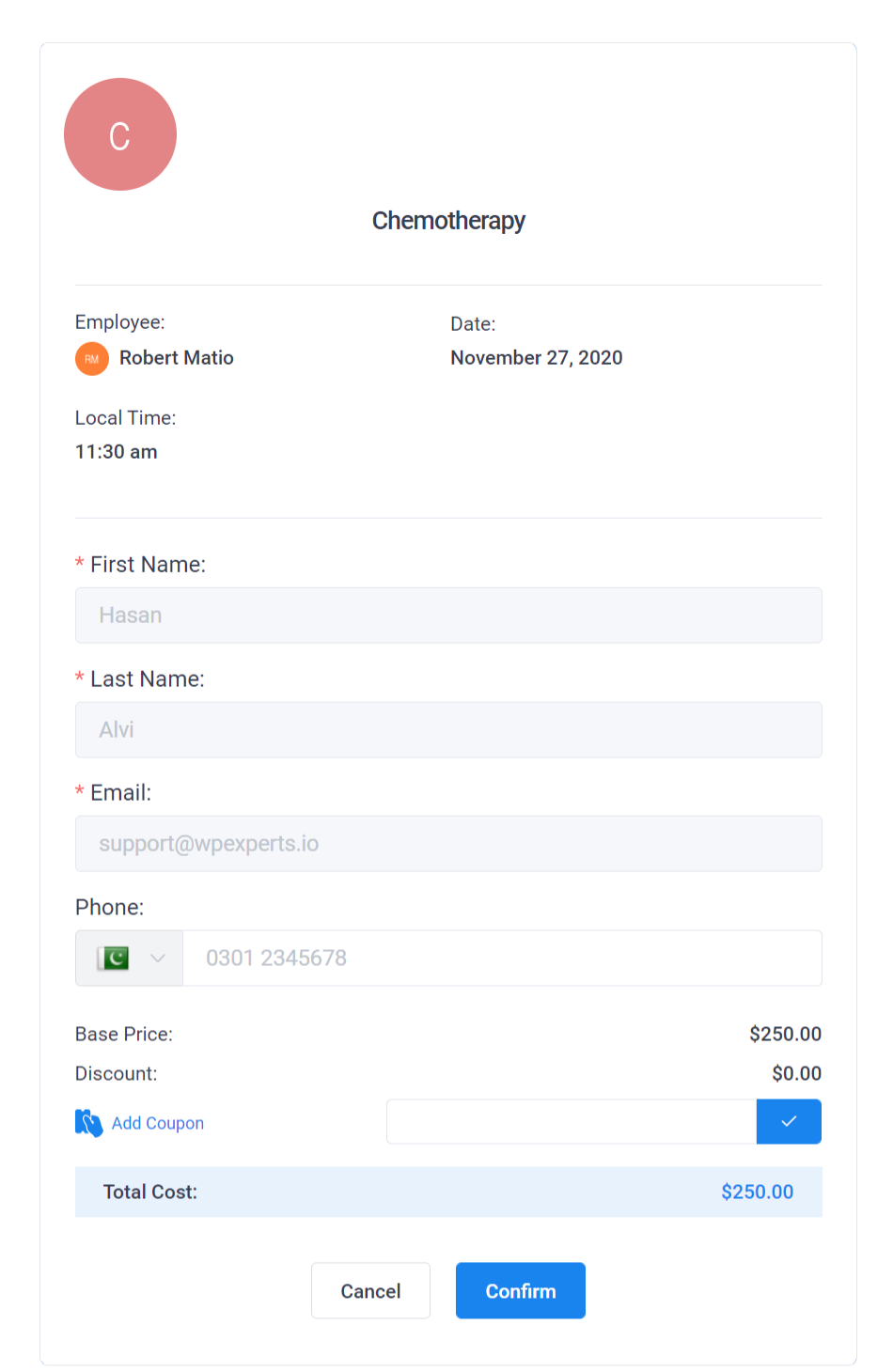
Users can book appointments or events using myCred Points.

On-site (Payment Gateway)
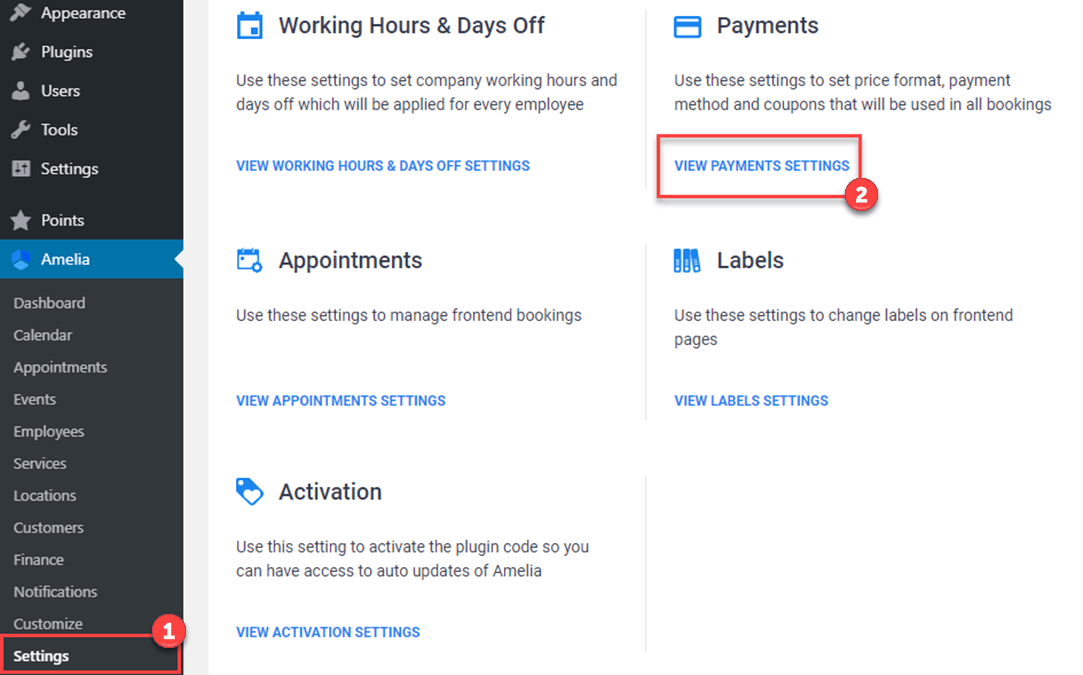
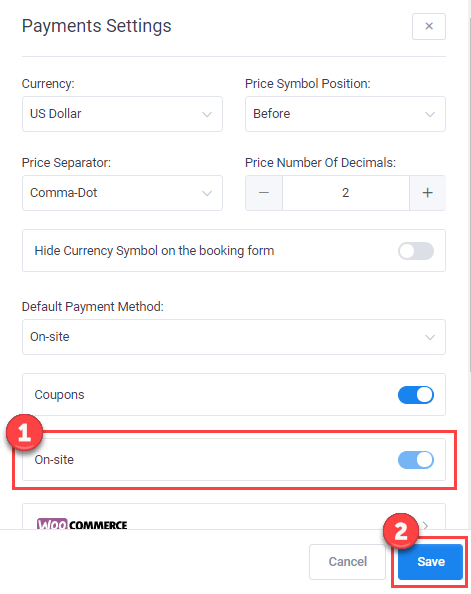
Admin can add myCred as an ‘on-site’ payment gateway from Amelia’s back-end payment settings.

Points notification
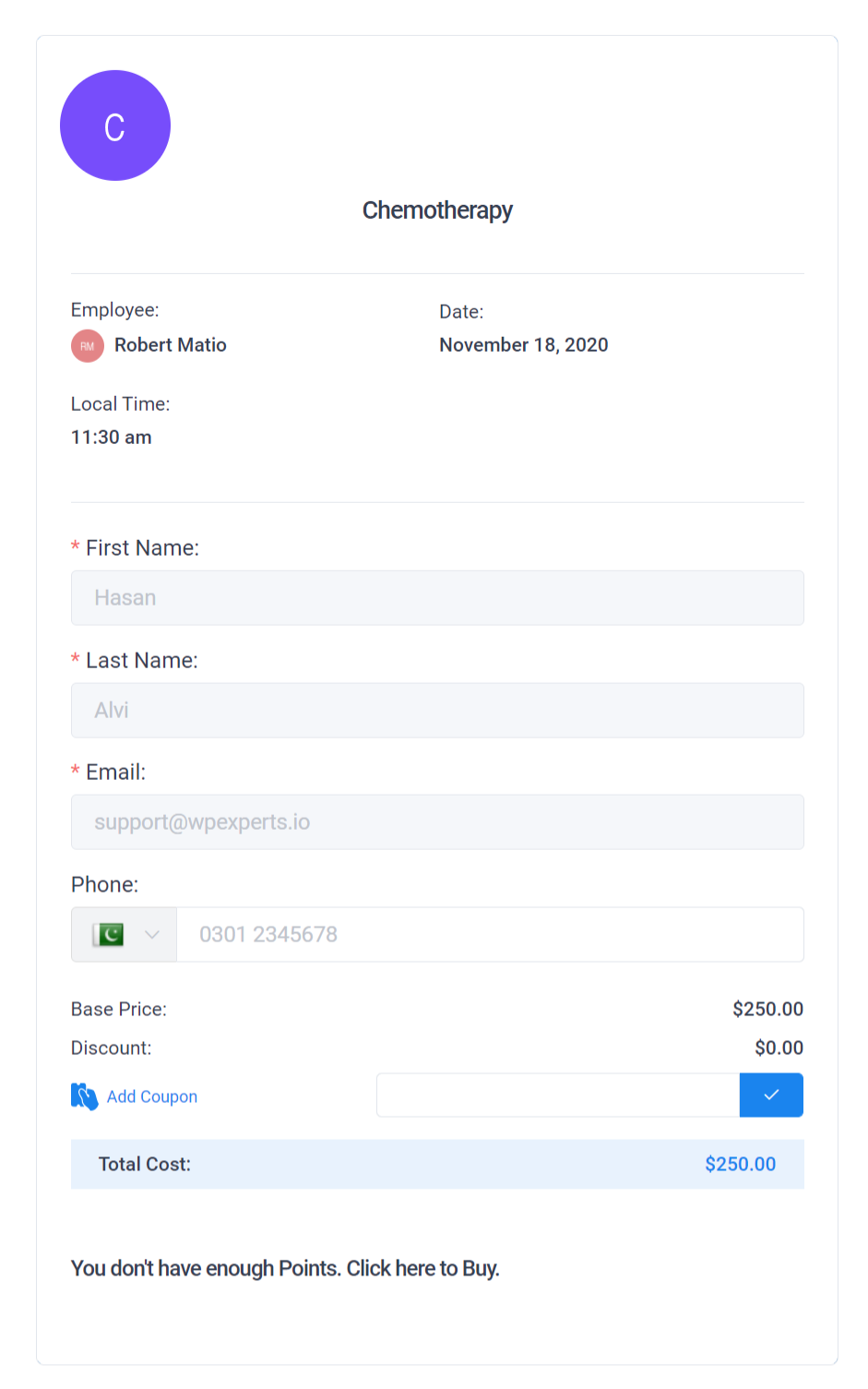
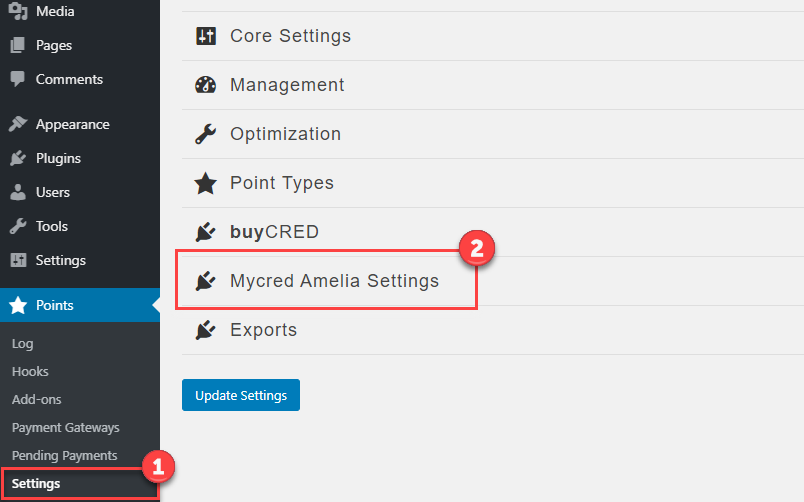
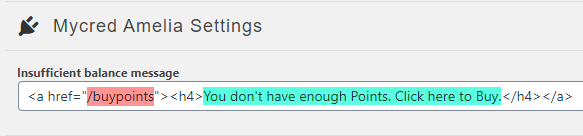
If a user doesn’t have enough points, the ‘Buy points’ link will appear, and the ‘Confirm’ button will remain inactive.

Page Redirection
Users can be redirected to a page where they can buy myCred points.
myCred-Amelia is a myCred add-on that connects myCred with Amelia appointment-booking WordPress plugin. Using myCred-Amelia, users can book appointments or events of their choice using myCred points.
Installation Guide
Please follow the below instructions step by step.
- Download the zip file from your mycred.me account > My Downloads
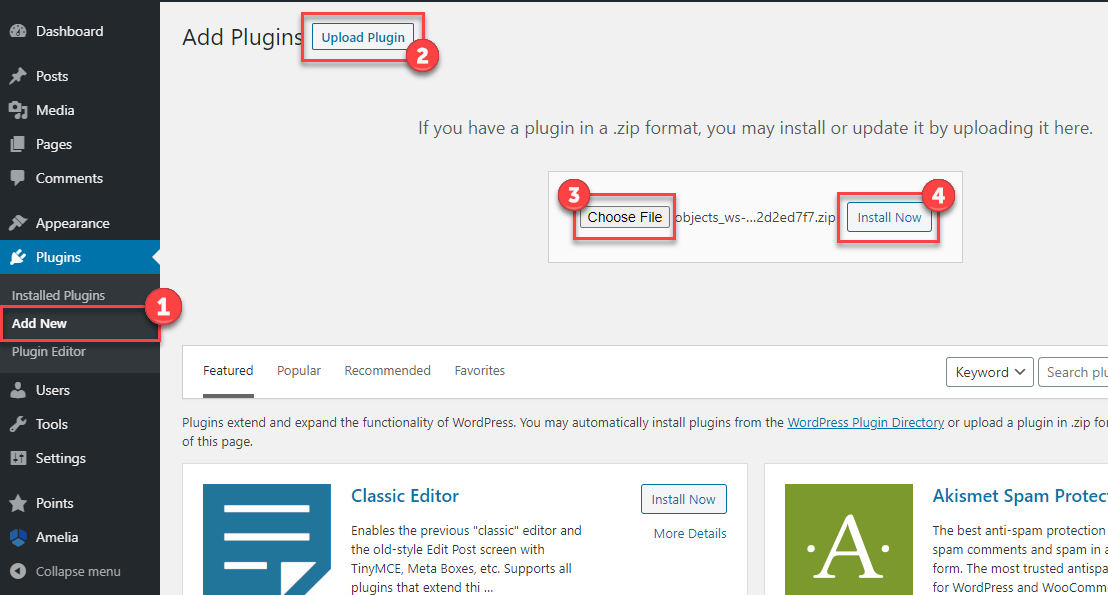
- Go to the WordPress Admin Dashboard > Plugins
- Once you are on the plugins page you can see the “Add New” button in the top left corner.
- Click the “Add New” button and upload the zip file of a plugin that you’ve downloaded from mycred.me account.
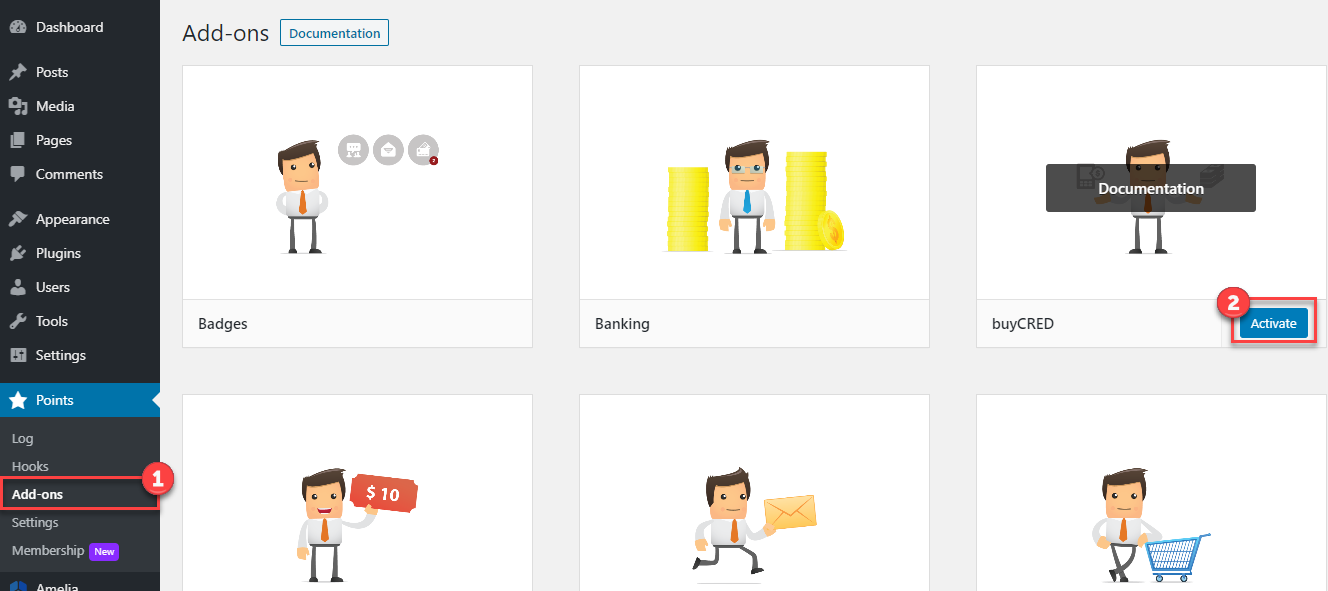
Once the plugin installed, click the “Activate” button.
To view the documentation
click here
Please follow the below instructions step by step.
- Download the zip file from your mycred.me account > My Downloads
- Go to the WordPress Admin Dashboard > Plugins
- Once you are on the plugins page you can see the “Add New” button in the top left corner.
- Click the “Add New” button and upload the zip file of a plugin that you’ve downloaded from mycred.me account.